Common Wireless Earbuds Problems and How to Fix Them
Discover
We test so you don't have to
See our buying guides→Can't remember what you did with your last pair of wireless earbuds? Welcome to the club. Wireless earbuds are convenient but come with their fair share of issues. Whether it's sound quality hiccups or syncing problems, you're not alone. I've been there, wrestling with connectivity drops and frustrating battery life. Let’s break down the common wireless earbuds problems I've encountered—and some practical solutions.
Lost Connection? Here’s How to Fix It
One of the most annoying issues with wireless earbuds is losing the connection to your device. Sometimes it drops out during your favorite song, or worse, while you're on a call. I found that resetting the earbuds often helps. Here’s how to do it:
- Power Off: Turn off your earbuds and your connected device.
- Reset the Earbuds: Most earbuds have a reset option. Usually, it involves holding down the power button for several seconds. Check your user manual for specific instructions.
- Forget Device: On your phone or tablet, go into Bluetooth settings, forget the earbuds, and reconnect them.
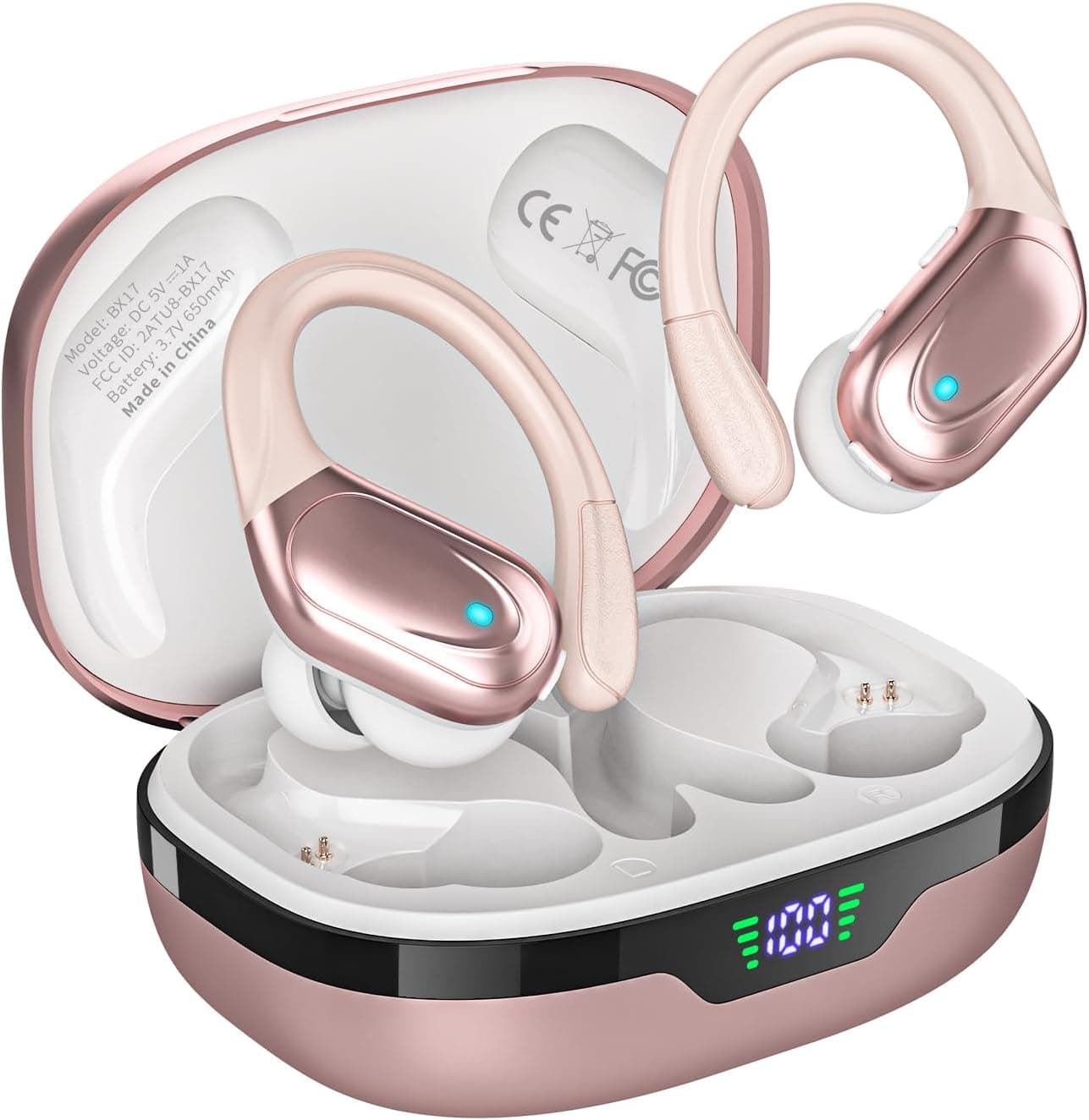
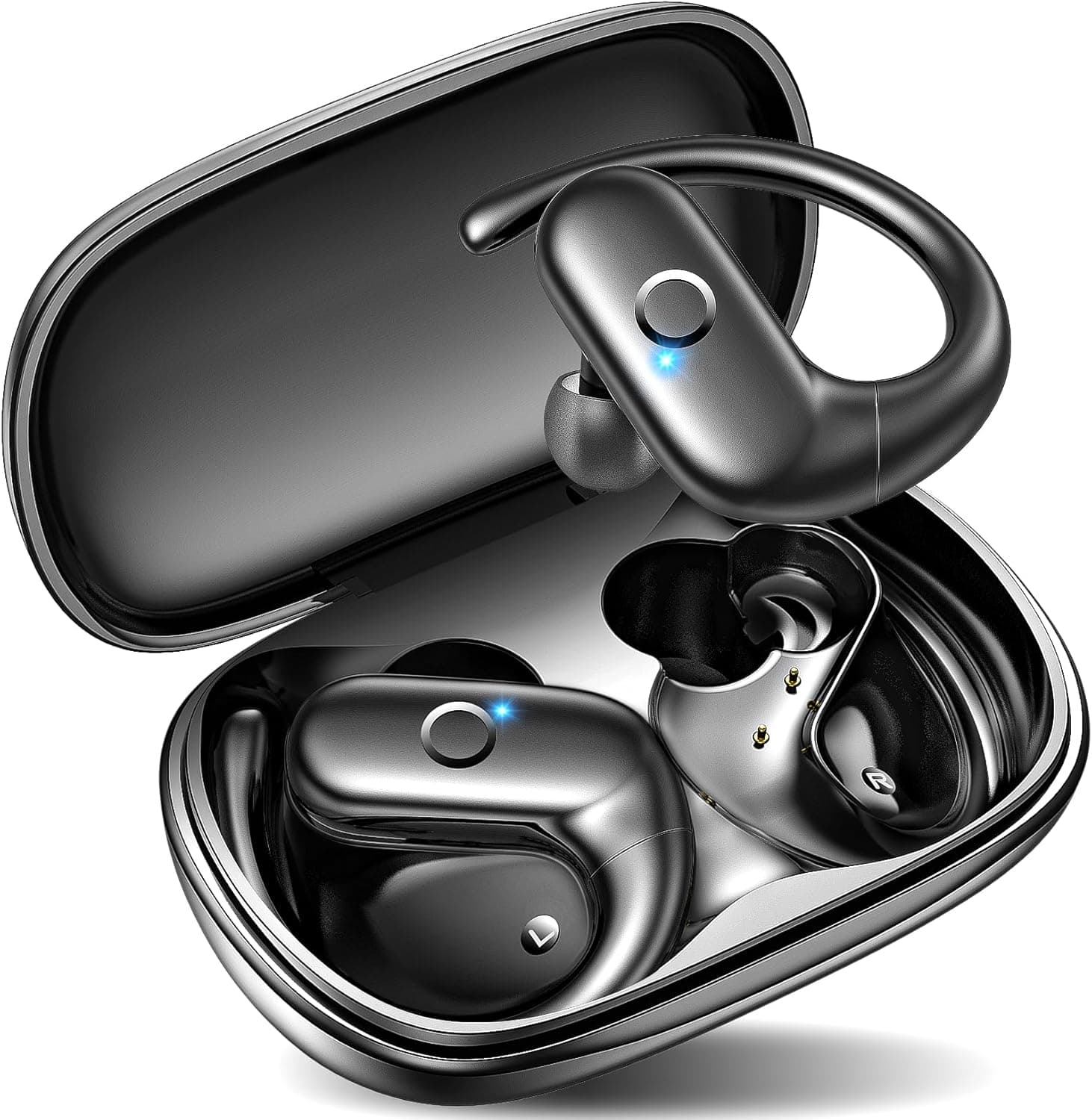
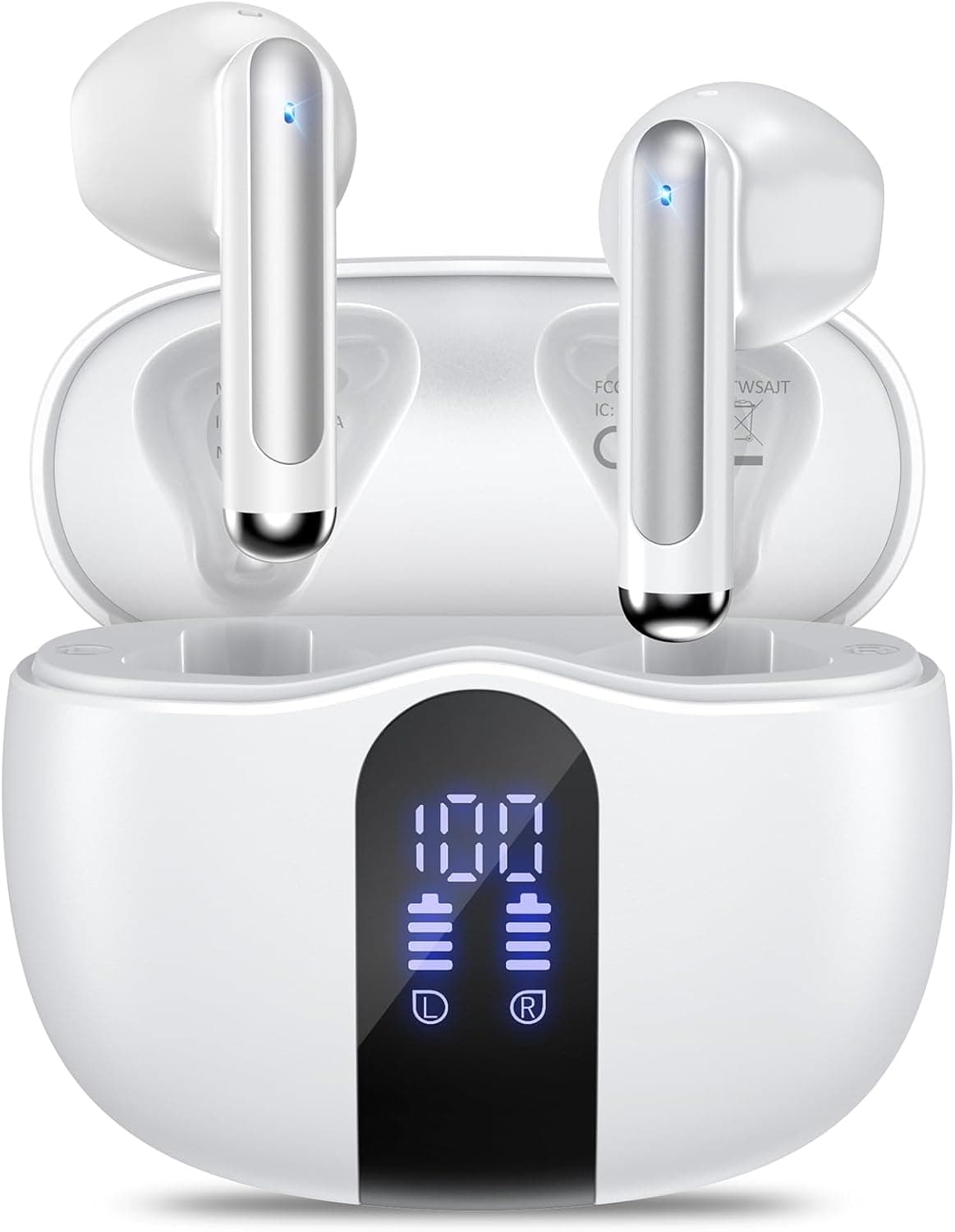
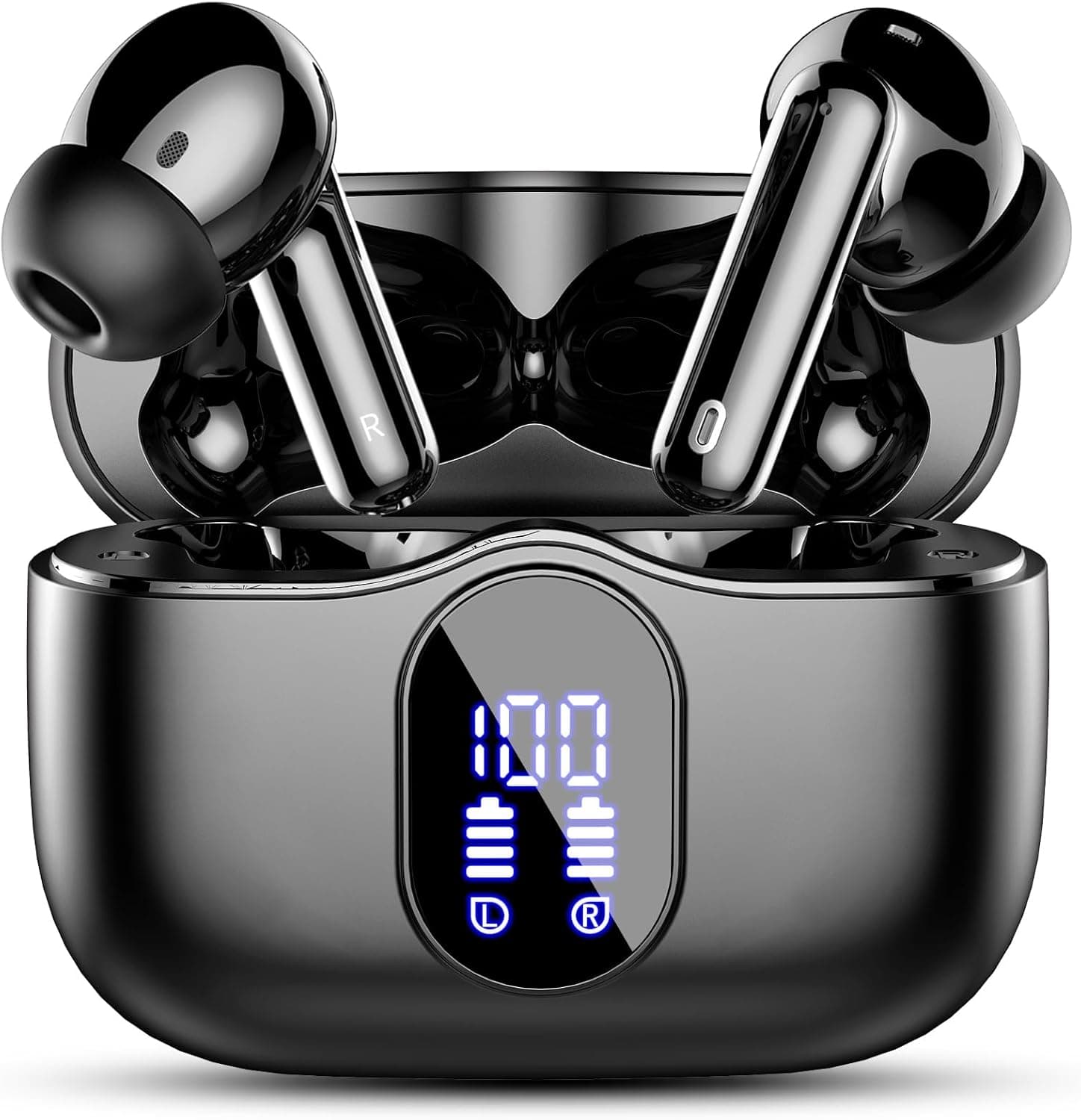
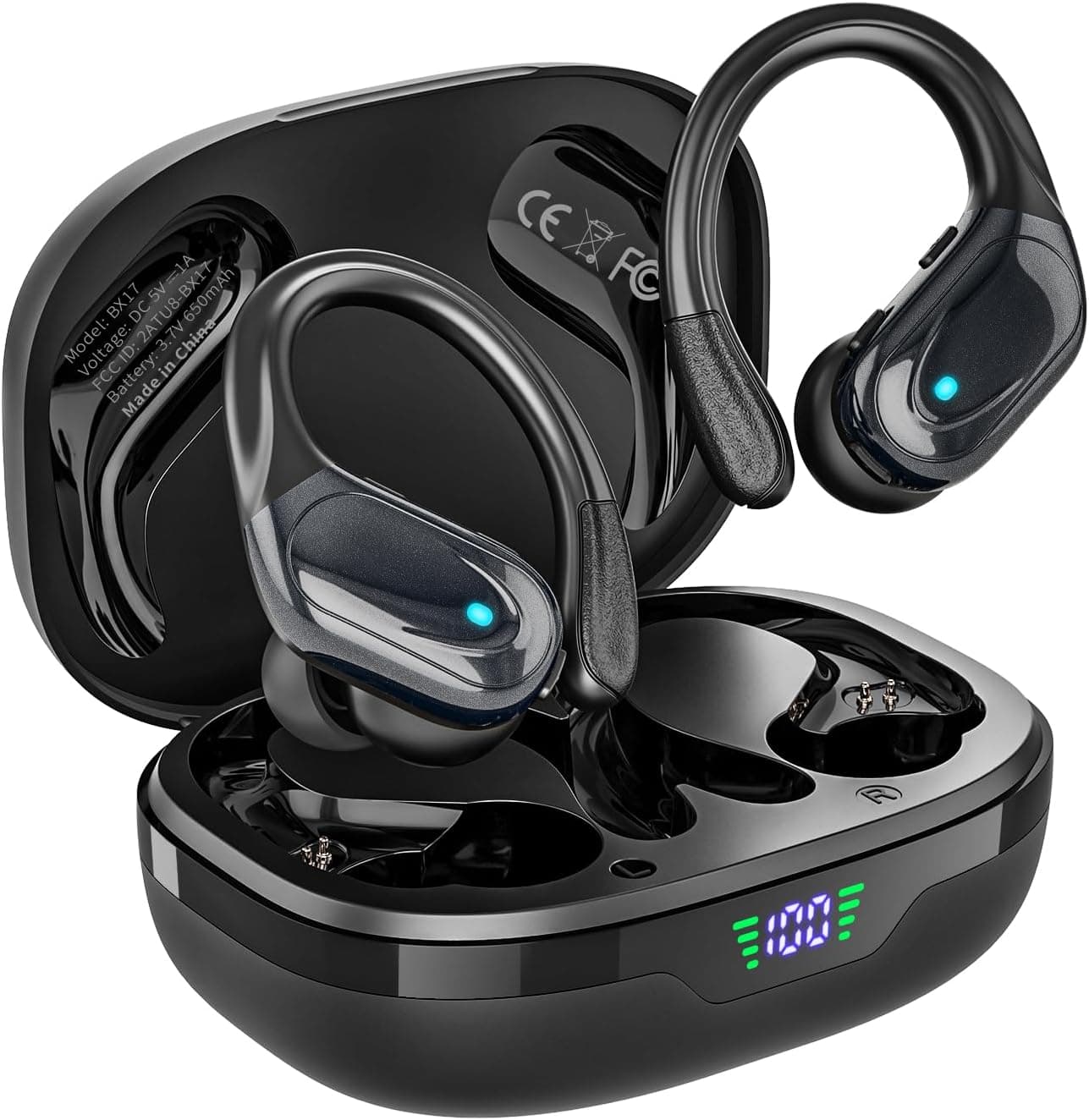
After trying this routine, I found that my connection issues were significantly reduced, especially when using my HAOYUYAN Wireless Earbuds with 80Hrs Playtime & Noise Canceling. They stayed connected through several workouts without dropping a beat.
Sound Quality Dips? Try These Fixes
If your earbuds sound muffled or the bass isn’t what it should be, don’t panic. A couple of tweaks can usually solve the problem:
-
Check the Fit: Make sure they fit snugly in your ears. Sometimes, simply swapping out the silicone tips can enhance sound quality. You’d be amazed by the difference a proper fit makes.
-
Update Firmware: Just like your phone, some earbuds need updates. Check the manufacturer's website or app for any firmware updates that might improve sound quality.
-
Equalizer Settings: Most smartphones come with sound equalizer settings. Tweak these to suit your listening preferences. A small adjustment can breathe life into your songs again.
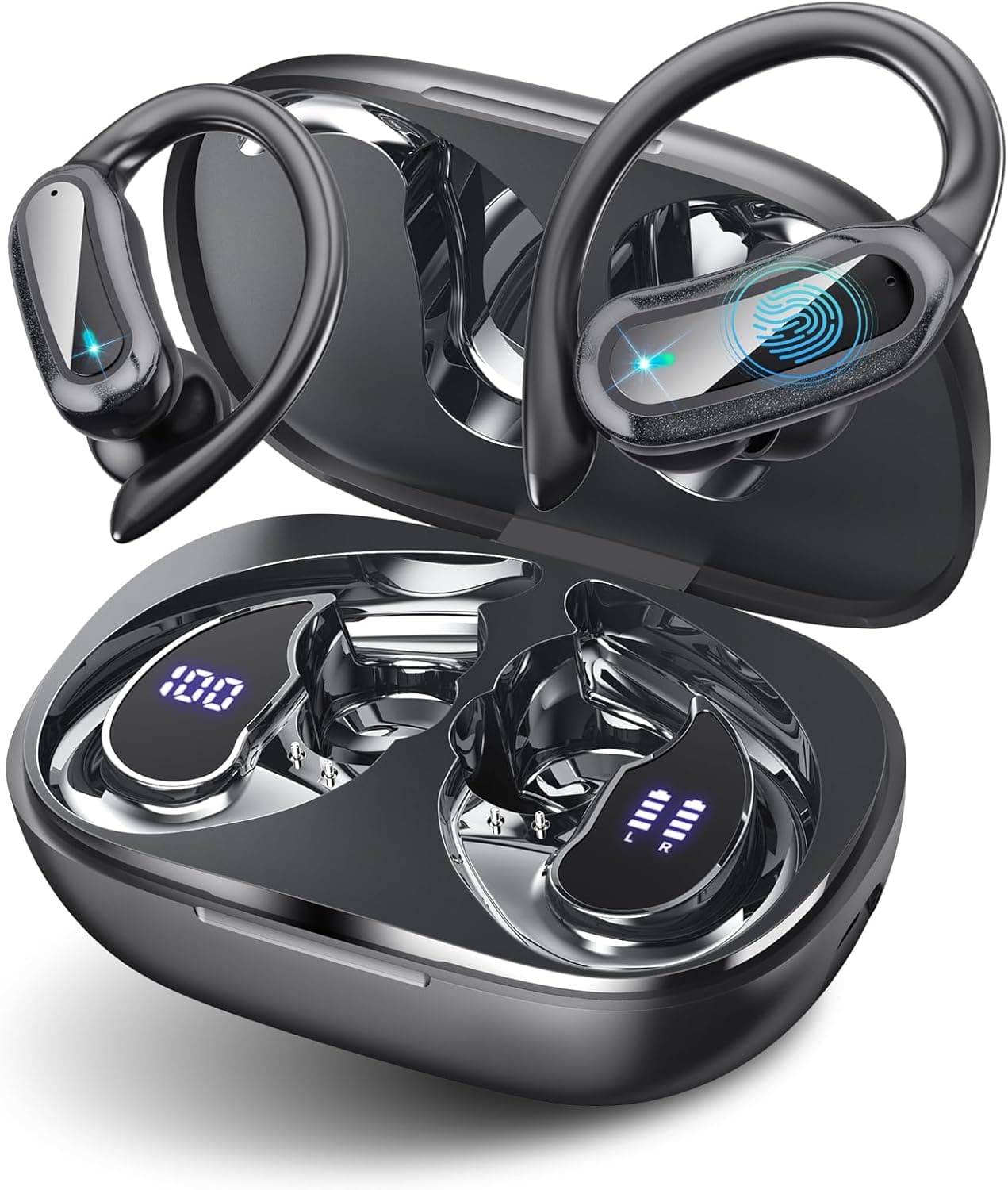
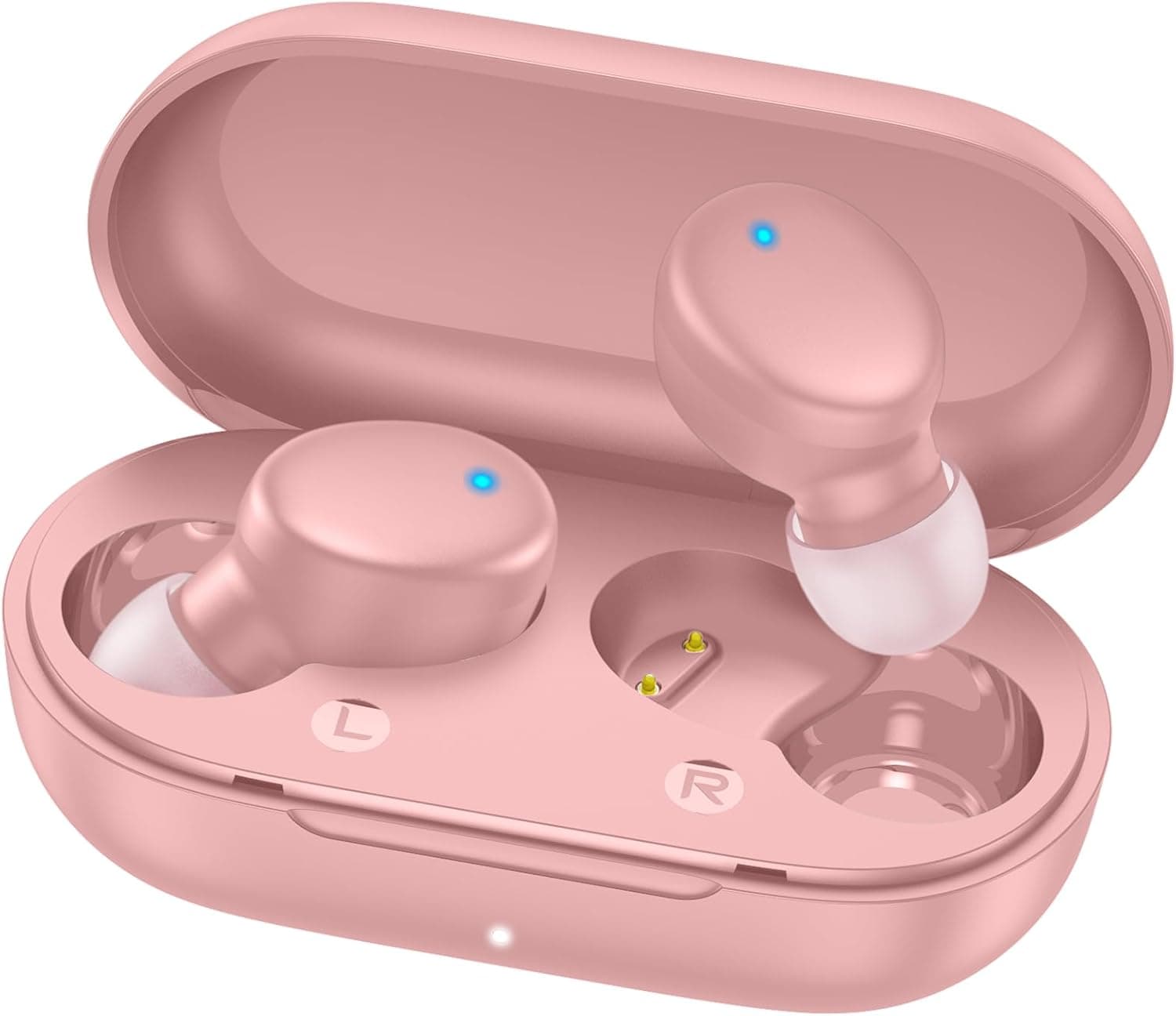
I faced this issue a couple of weeks ago while listening to podcasts. A quick fit adjustment turned those muffled voices into crystal-clear dialogue. Pairing them with my TRAUSI Wireless Earbuds: Comfort and Clarity for Active Lifestyles feels like a different ball game now.
Battery Draining Faster Than Expected? Here’s Your Fix
If your earbuds need constant charging, check the battery life! Even high-quality models can experience battery drain. Here’s how to get that longevity back:
-
Turn Off When Not in Use: Always power down your earbuds when you're finished using them. Leaving them on can drain the battery faster than you'd expect.
-
Charging Case Care: Make sure your charging case is fully charged. Sometimes it's the charging case at fault. Regularly check that the contacts are clean too.
-
Lower Volume Levels: I found that keeping my volume at moderate levels not only protects your ears but also saves battery life.
I learned this the hard way with another pair that left me scrambling for a charge in the middle of a long workday. My HAOYUYAN Bluetooth Earbuds: 80H Playtime & Comfort have held their power impressively!
Choosing the Right Earbuds for Your Needs
Not every pair of earbuds fits every lifestyle. It’s good to align your choice with your needs.
-
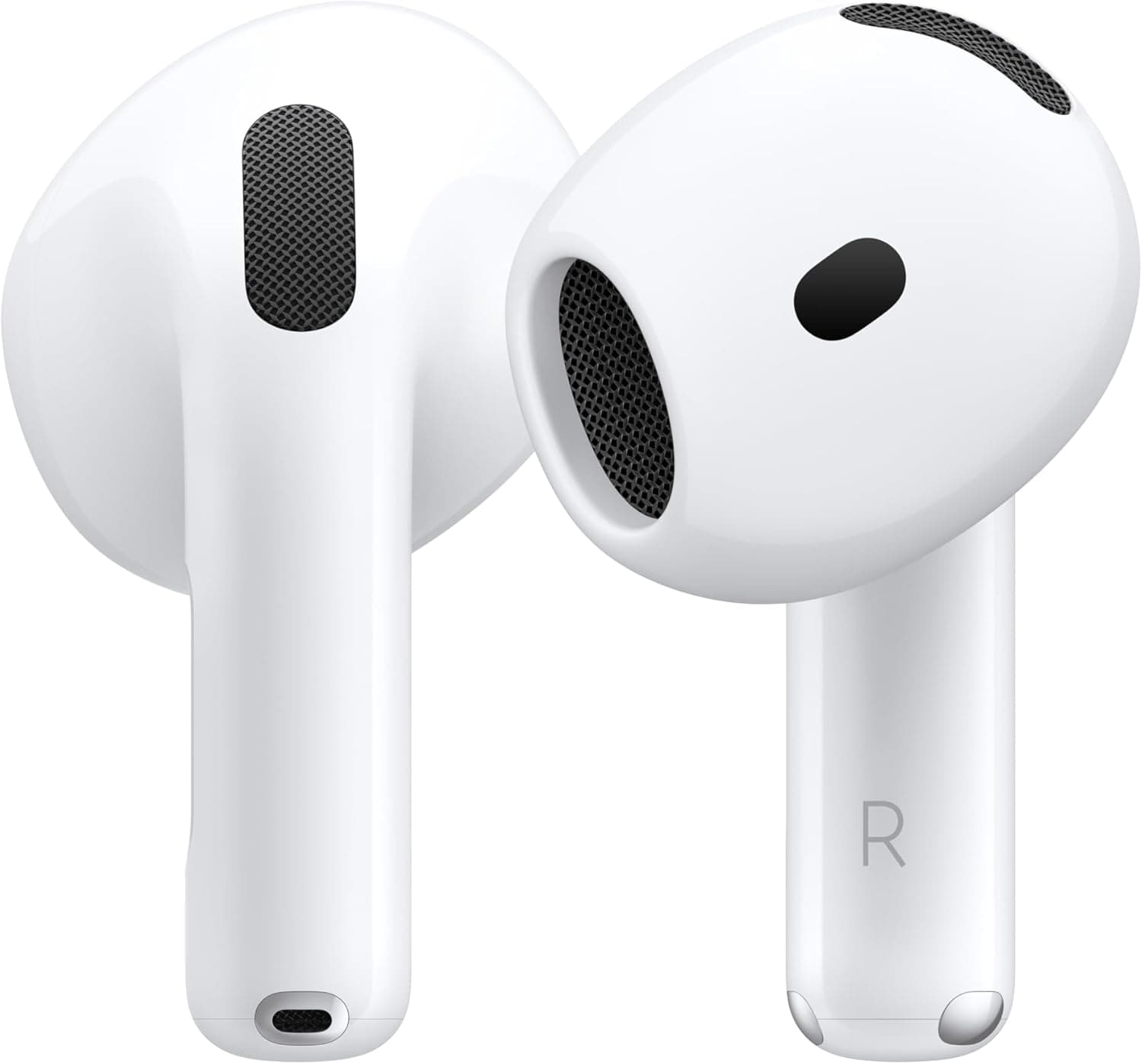
For Long Listening Sessions: The Apple AirPods 4: Comfort, Quality, and Long Battery Life serve well for those who want a reliable, long-lasting option for podcasting or binge-watching shows.
-
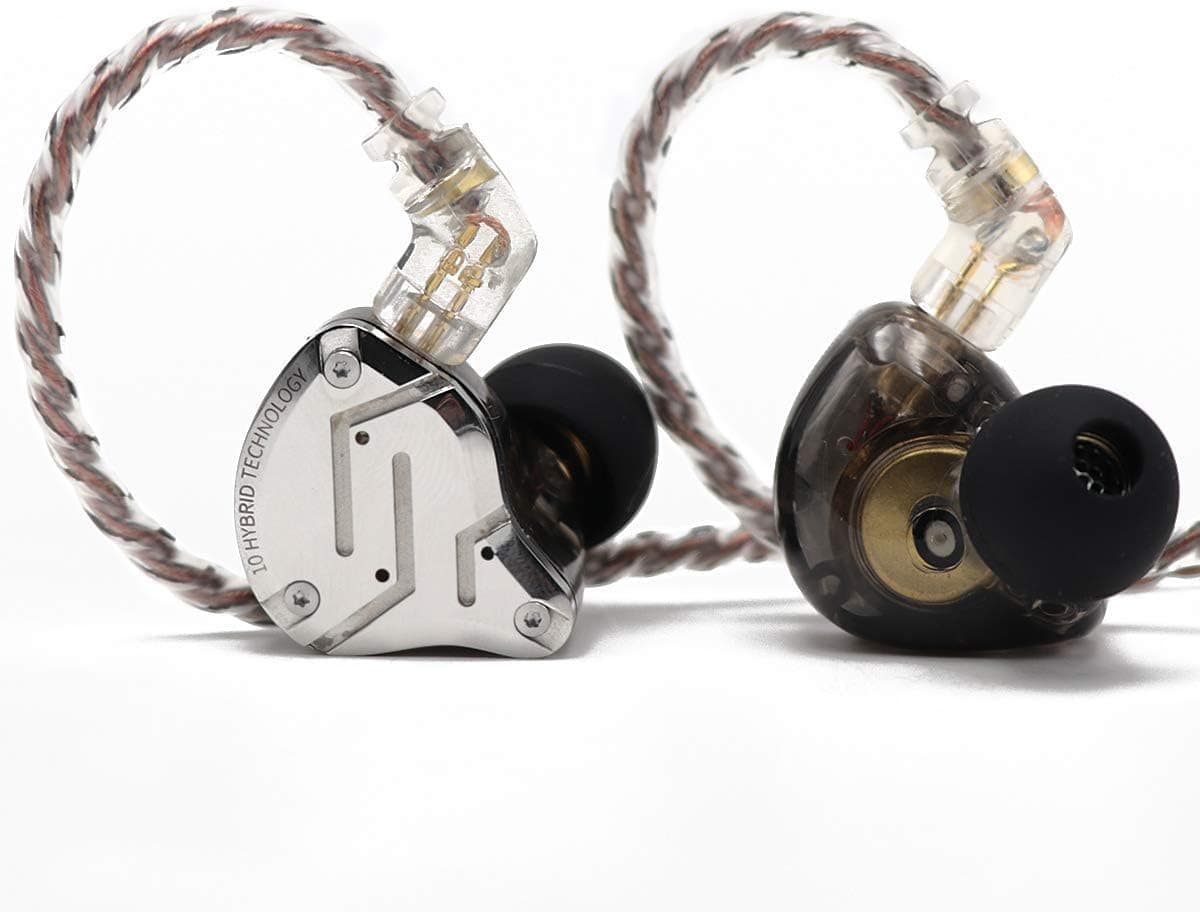
For Budding Audiophiles: If music quality is critical, check out the Linsoul KZ ZS10 Pro: HiFi 5 Driver Hybrid IEM Earbuds. They’re not only comfortable but provide rich sound quality—ideal for critical listeners.
Skipping Tempting Features? Here’s What to Avoid
Not every feature you see advertised is worth the price tag:
-
Active Noise Cancellation on cheaper models can often lead to a less-than-stellar experience. It’s better to skip if your primary focus is on basic sound enjoyment.
-
Extra Bass Boosts: These can distort sound quality. Instead, choose earbuds that offer balanced sound profiles. Your ears will thank you.
-
Color Options: Don't fall for flashy colors alone. Instead, prioritize fit and sound quality.
-
Bluetooth Range: A lot of cheaper options boast extended ranges, but often they underperform.
Your Next Move
Picture this: You're on a jog, music blaring and the world fading away, but suddenly your earbuds are out of juice. That's frustrating. Instead, be like Sarah, who made sure to keep her TRAUSI Wireless Earbuds charged and ready. By following a few simple care rules, she found the perfect balance between sound quality and battery life.
Don't let your wireless earbuds woes hold you back. Tackle them with these fixes, and you’ll be spinning your favorite playlist instead of troubleshooting gadgets! Check the current price on Amazon to find a deal that suits your lifestyle.
Discover