What to Look For in Smart Lighting
Discover
We test so you don't have to
See our buying guides→Replacing every bulb in my house a few years ago taught me a hard lesson. Buying a random mix of brands usually results in five different apps and a living room that turns neon blue when you just want to read a book. Nailing down your setup takes a little planning.
Why you shouldn't just buy the cheapest bulb
A cohesive setup cuts down on electricity waste and lets you dim the kitchen lights from the couch. I wanted my home office blindingly bright at 9 AM and warmly dim by dinner. Staring at a wall of options at the hardware store usually leads to decision paralysis. Figuring out your exact needs beforehand saves you from returning boxes of incompatible gear.
How to narrow down your options
1. Picking your ecosystem
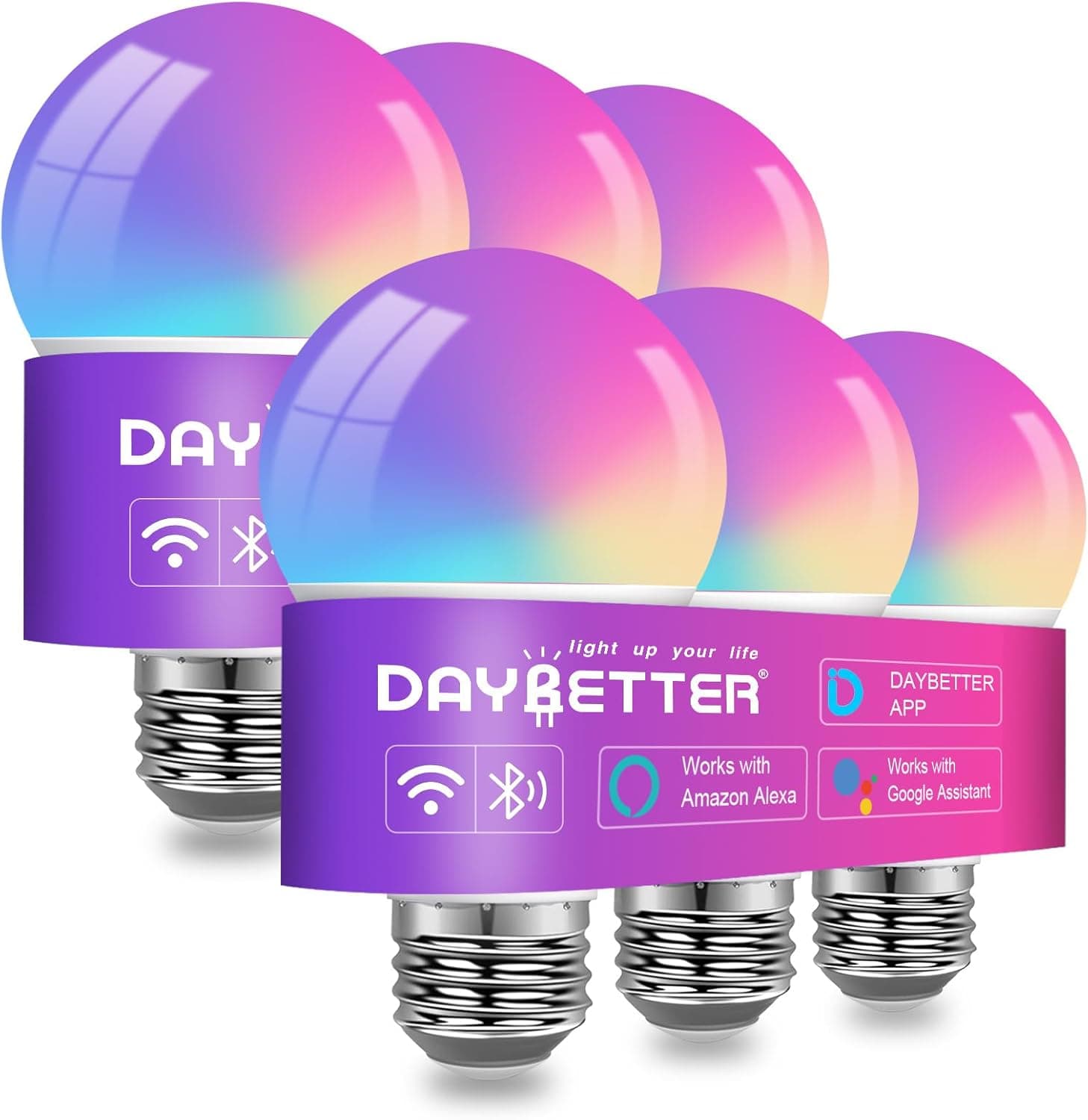
Check what you already own. If you have an Echo on the counter, stick to Alexa-friendly gear. I learned this the hard way after buying bulbs that only talked to Apple HomeKit while my house runs on Google. The DAYBETTER Versatile Smart Light Bulbs are a safe bet since they respond to both Alexa and Google Home.
2. Color temperature and lumens
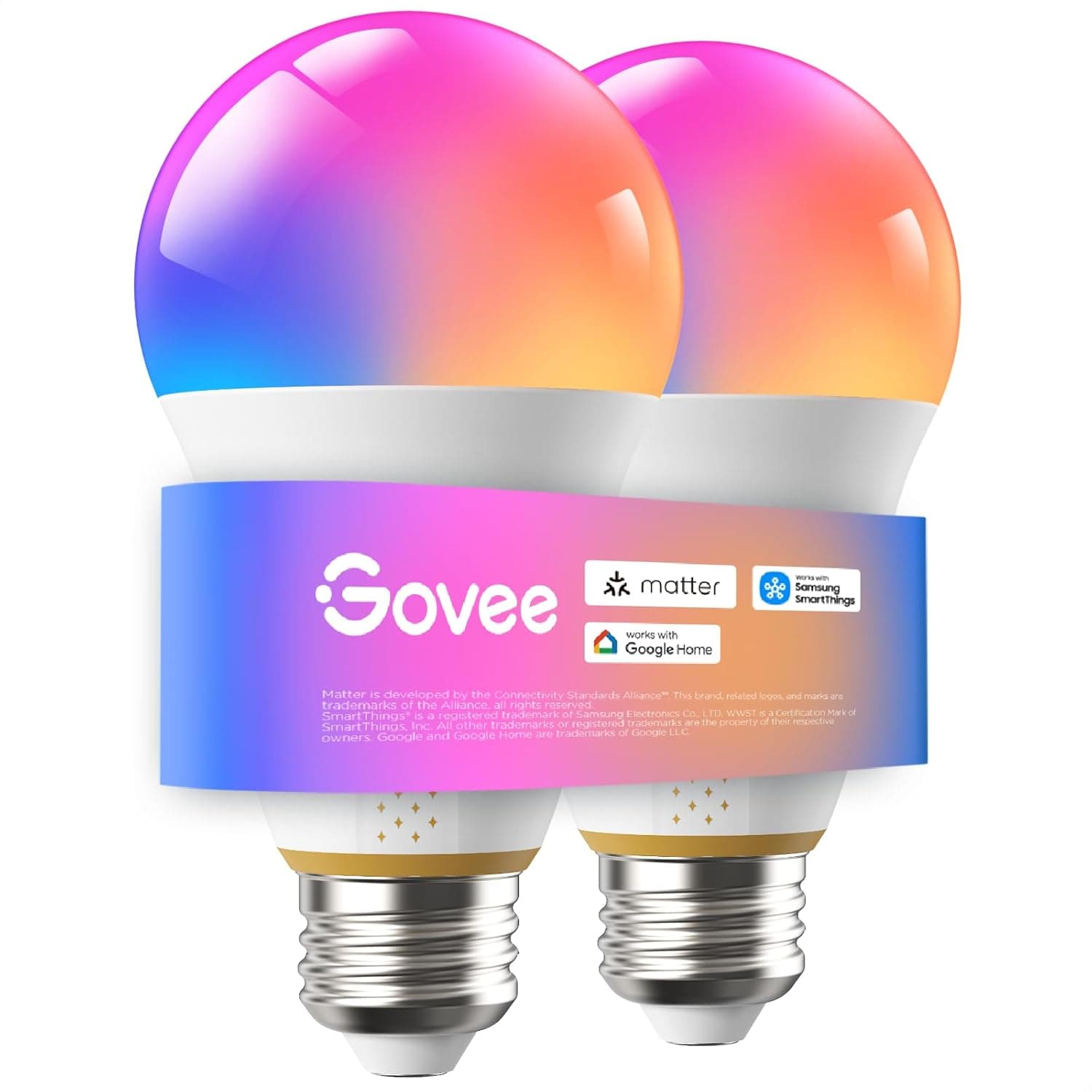
Nobody wants a living room that feels like a hospital waiting area. You need LEDs with adjustable color temperatures and enough lumens to actually light up the space. During my office overhaul, I tried the Govee Smart Light Bulbs. The color saturation is genuinely striking, and they get incredibly bright.
3. Tracking your power draw
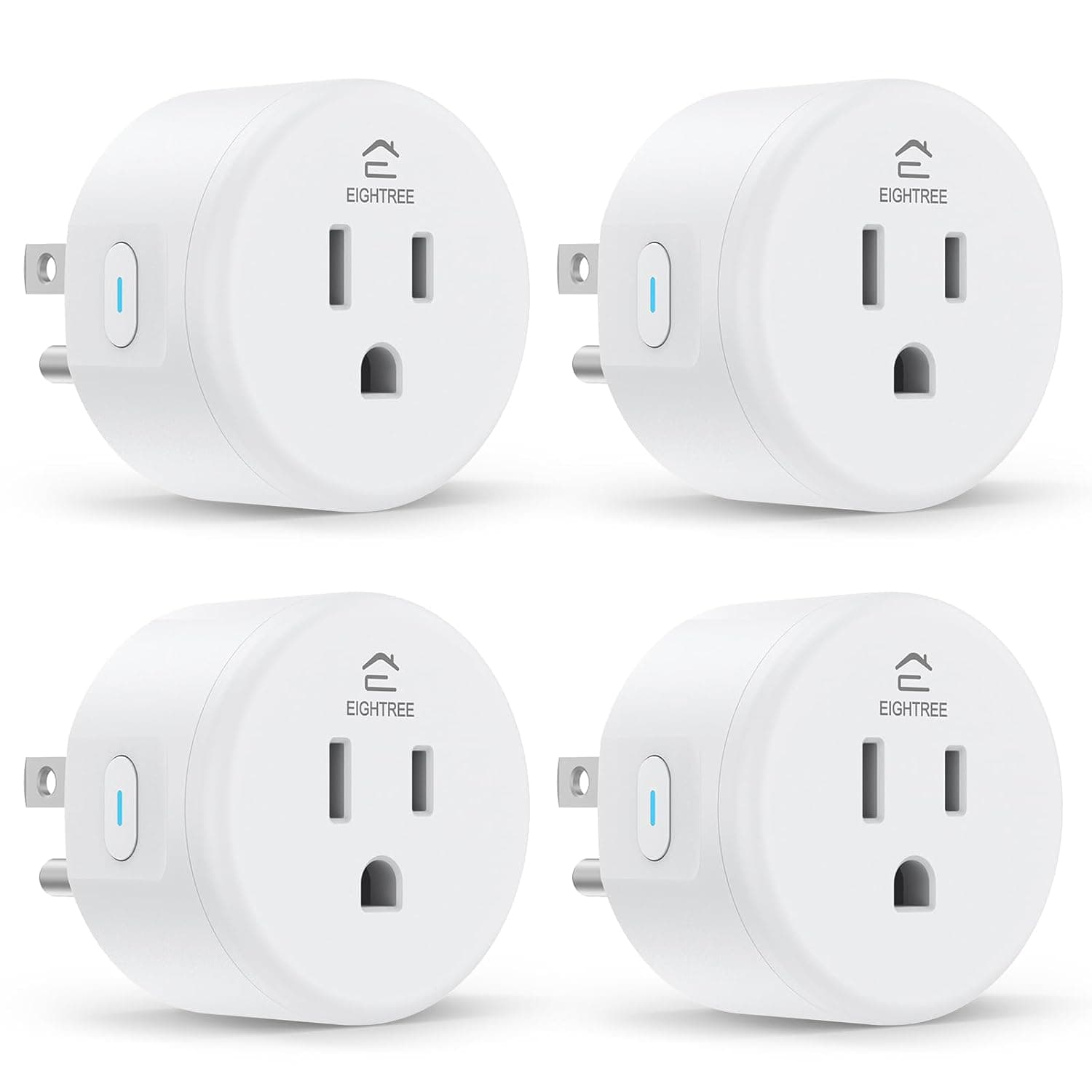
Smart homes should theoretically lower your utility bill. Being able to actively see your usage helps track that. I use the EIGHTREE Smart Plug to monitor exactly how much juice my older floor lamps are pulling.
4. The software experience
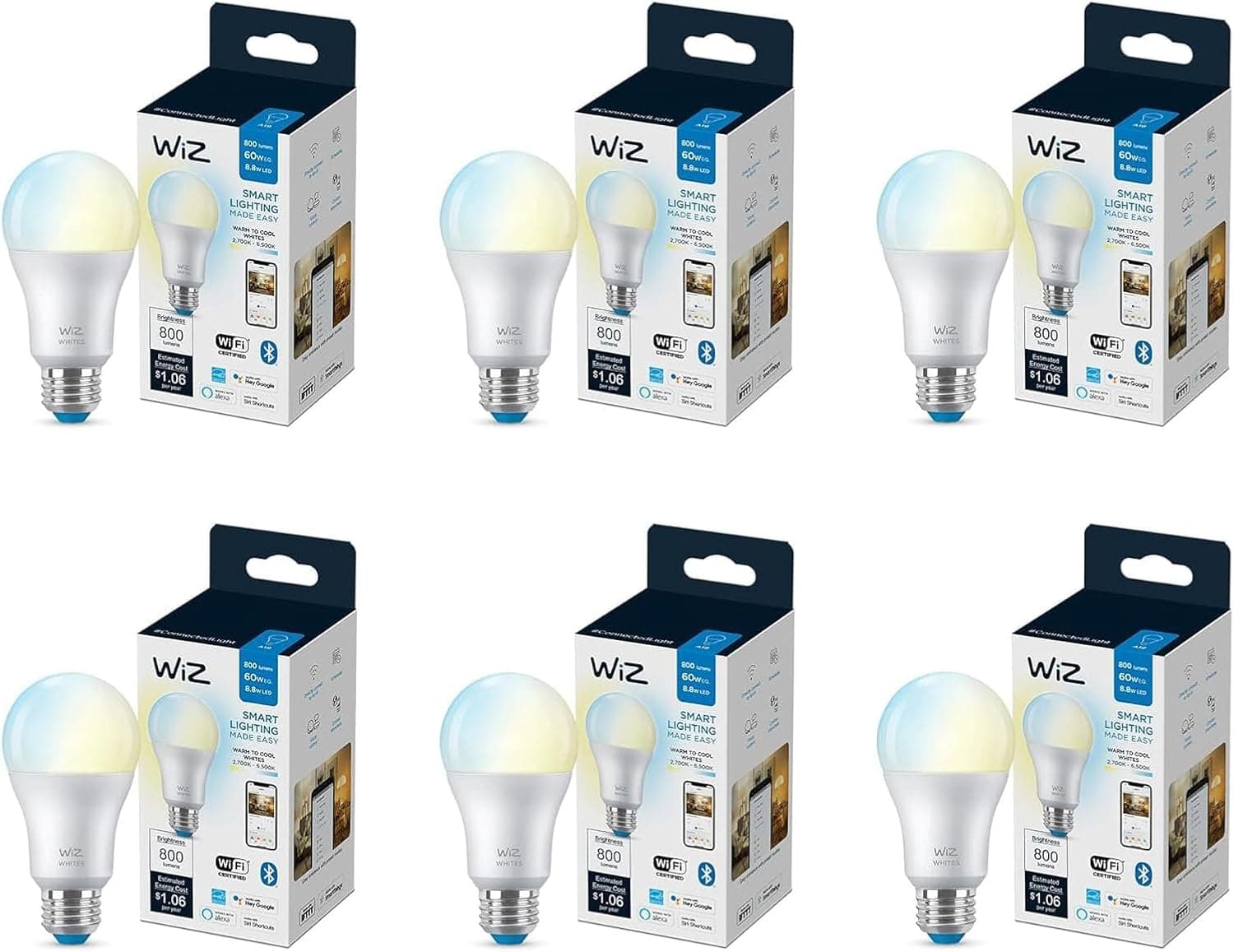
A terrible app ruins a great bulb. You need a straightforward interface to group lights by room and adjust colors without navigating a maze of menus. I tested the WiZ Connected Smart LED Bulb Pack a while back. The app handled motion activation and connected straight to my router without a separate hub.
5. Avoiding a weekend project
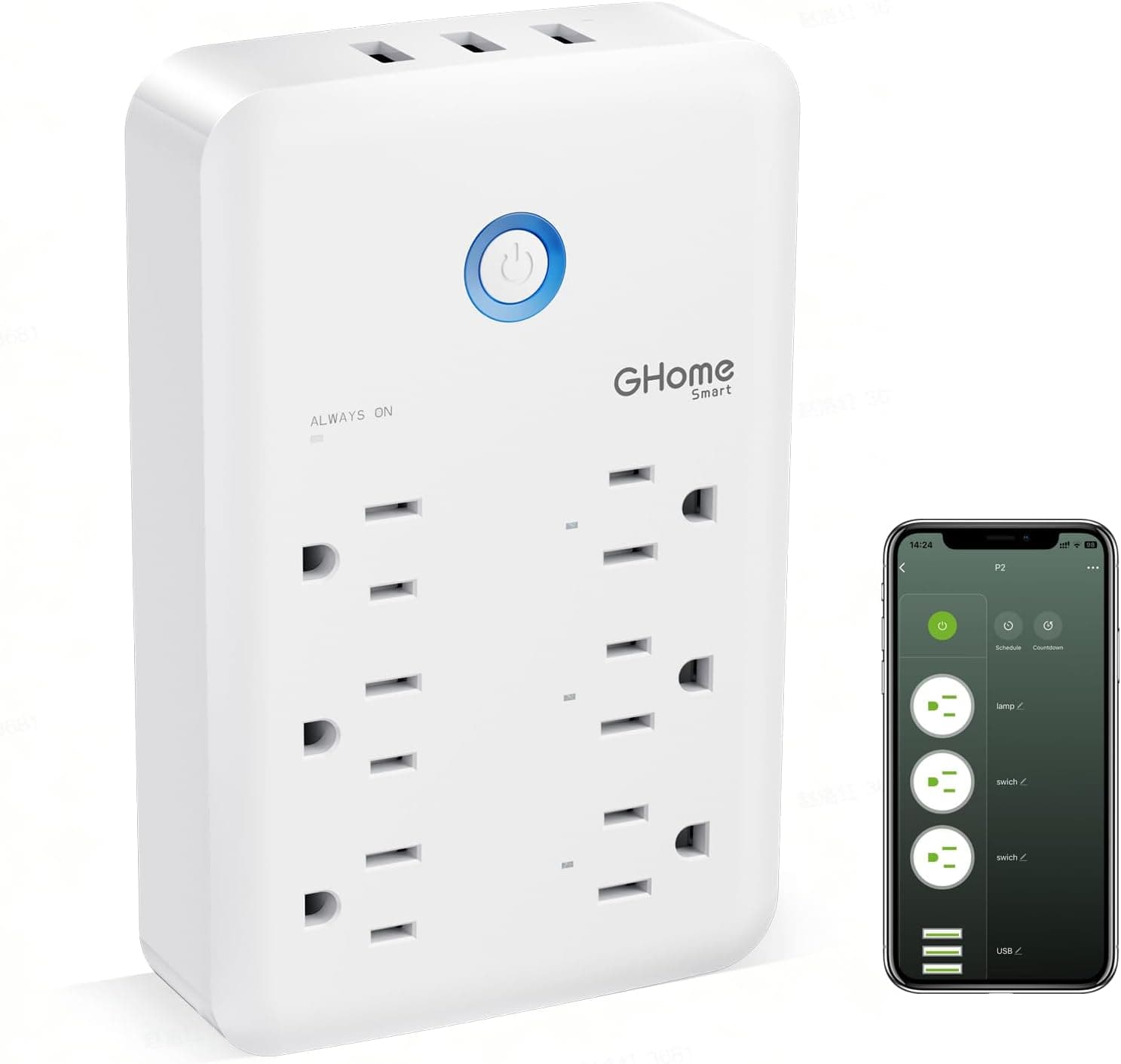
Setting up lights shouldn't require an electrician. Most standard bulbs screw in and pair via Wi-Fi in a few steps. If you are trying to make existing fixtures smart, the GHome Smart Plug Outlet Extender is ridiculously simple to install and gives you extra wall sockets.
6. Finding the sweet spot on price
The absolute cheapest option usually drops its connection twice a week. You have to weigh upfront cost against daily reliability. Both the Govee Smart Light Bulbs and the DAYBETTER Smart Light Bulbs hit that middle ground. They cost slightly more than bargain bin brands but actually respond when you tell them to turn off.
What actually belongs in your cart
EIGHTREE Smart Plug: Voice-Controlled WiFi Outlet (4-Pack) - $20.88
These plugs are a cheap way to automate the lamps you already own. Just plug them in and shout at your voice assistant to turn off the room.
DAYBETTER Smart Light Bulbs with Voice Control & Music Sync - $23.74
A solid choice if you host parties. They pulse along with whatever music you have playing in the room.
GHome Smart Plug Outlet Extender with USB Ports - $22.98
This fixes the issue of smart plugs blocking adjacent outlets. It gives you extra AC sockets plus USB charging right on the wall.
Smart LED Bulb Pack: Wi-Fi Controlled and Motion Activated - $64.99
I put these in the hallway and garage. The motion activation means you never fumble for a switch when carrying groceries inside.
Govee Smart Light Bulbs: Vibrant Color & Smart Control - $39.98
These are my go-to for accent lighting behind the TV. The colors are deeply saturated and the app rarely glitches.
How to choose without losing your mind
Start small. Pick one room, figure out which voice assistant you prefer, and buy a starter pack. You can always expand later once you know how you actually use the app.
Focus heavily on app reliability and ecosystem compatibility before worrying about millions of color options. A standard white bulb that turns on every single time beats a rainbow bulb that requires a weekly router reboot. Check the current prices on Amazon before buying, as these brands run sales constantly.
Discover