What to Look For in Electronics
Discover
We test so you don't have to
See our buying guides→Buying new tech usually ends in one of two ways. You either get exactly what you needed, or you spend way too much on a screen that ends up collecting dust in a closet. I've bought enough dud gadgets to know that spec sheets lie. After testing a massive pile of electronics recently, specifically portable monitors, I figured out exactly which features actually matter in the real world.
Stop wasting money on bad screens
Tech moves ridiculously fast. A monitor you bought three years ago might look like a blurry mess next to whatever your friend just picked up. Knowing how to read between the lines on an Amazon listing saves you from buying outdated junk. You want a display that actually works for your specific desk setup or travel bag. Figuring out your baseline requirements keeps you from wasting time returning things that don't fit your daily routine.
Specs that actually matter
-
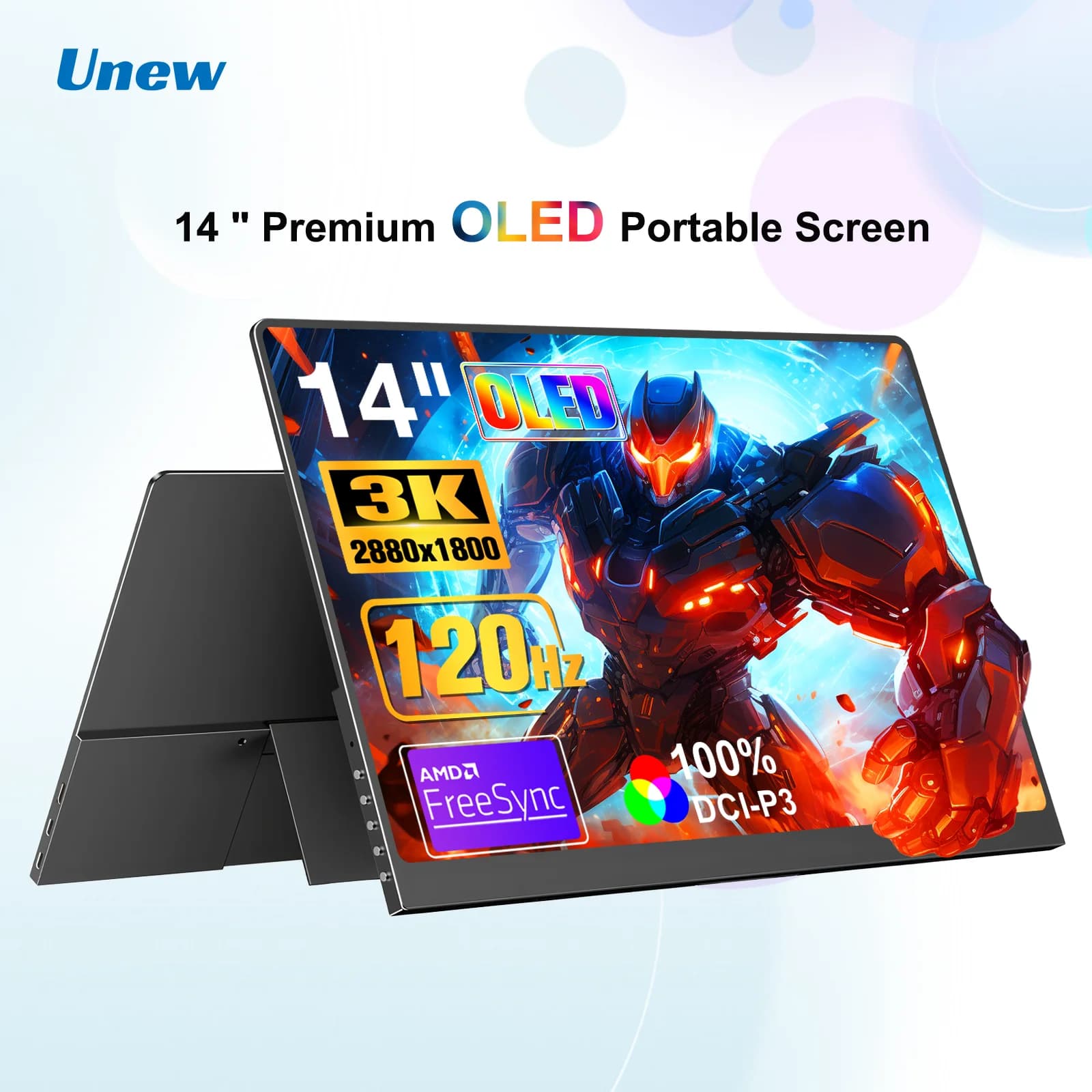
Pixels and panel types: Resolution dictates how sharp your text looks. I refuse to buy anything under 1080p anymore, and 4K is better if you stare at spreadsheets all day. IPS panels are standard for decent color, while TN panels look washed out if you view them from an angle. The Portable 14 Inch OLED Monitor for Gaming and Laptops is a great example of doing it right. It runs a 3K OLED screen with HDR that makes video editing and gaming look incredible.
-
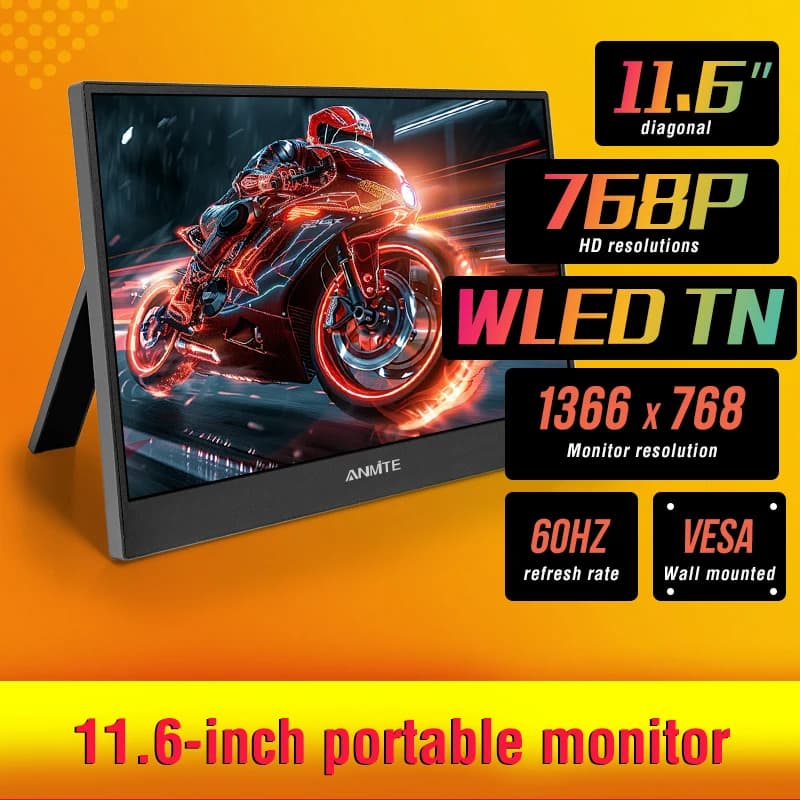
Weight and bag fit: A portable monitor isn't actually portable if it needs a massive power brick and a dedicated pelican case. Check the physical dimensions. I travel with the 11.6 Inch Portable Monitor - Ideal Secondary Display because it slips right into my backpack's laptop sleeve without adding noticeable bulk.
-
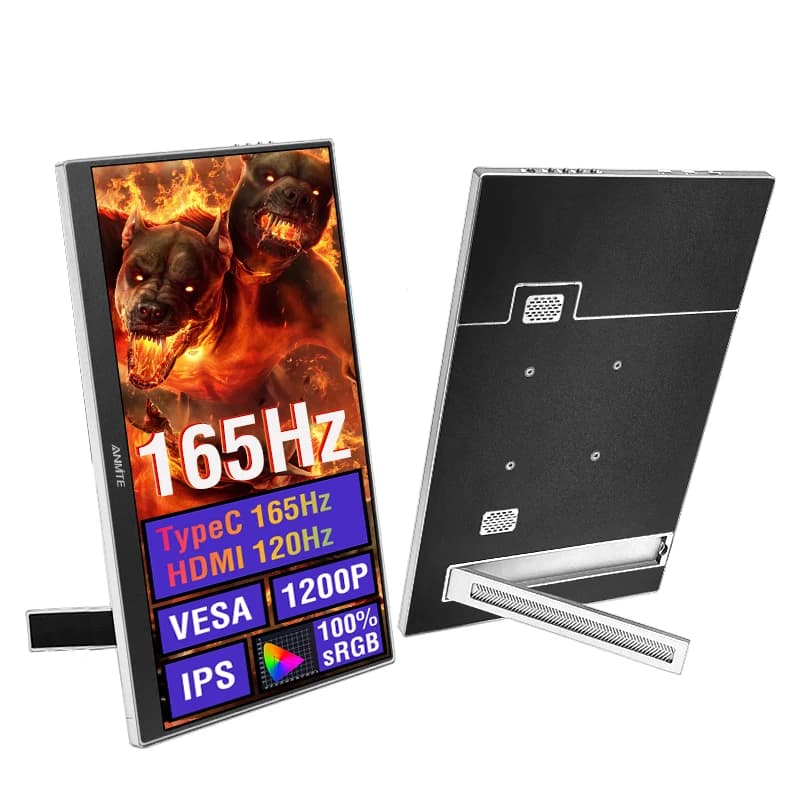
Speed for gaming: Standard 60Hz screens are fine for email. If you play shooters, you want 120Hz or 165Hz. Higher refresh rates stop the screen from turning into a blurry smear when you spin your camera. The Affordable 16 Inch Portable Gaming Monitor for Laptop & Consoles handles fast motion well enough to keep up with my Xbox.
-
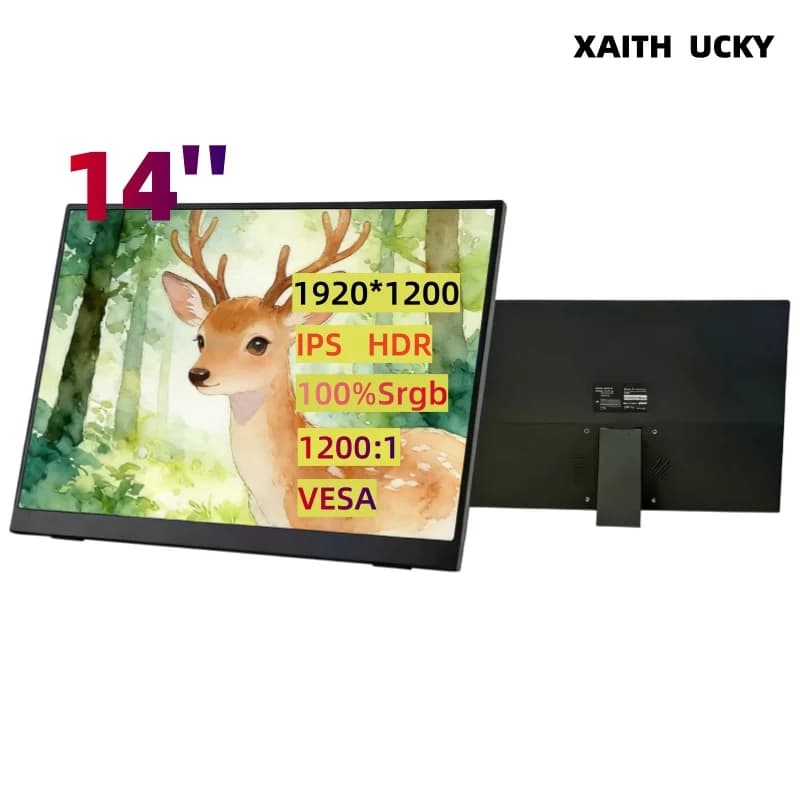
Ports you actually use: Dongles are the absolute worst. You want a monitor that plugs directly into your laptop. Look for USB-C and HDMI. The XAITH UCKY 14-inch Portable Monitor - FHD IPS Display has enough built-in ports that I can connect my MacBook or a Switch without digging through my cable drawer.
-
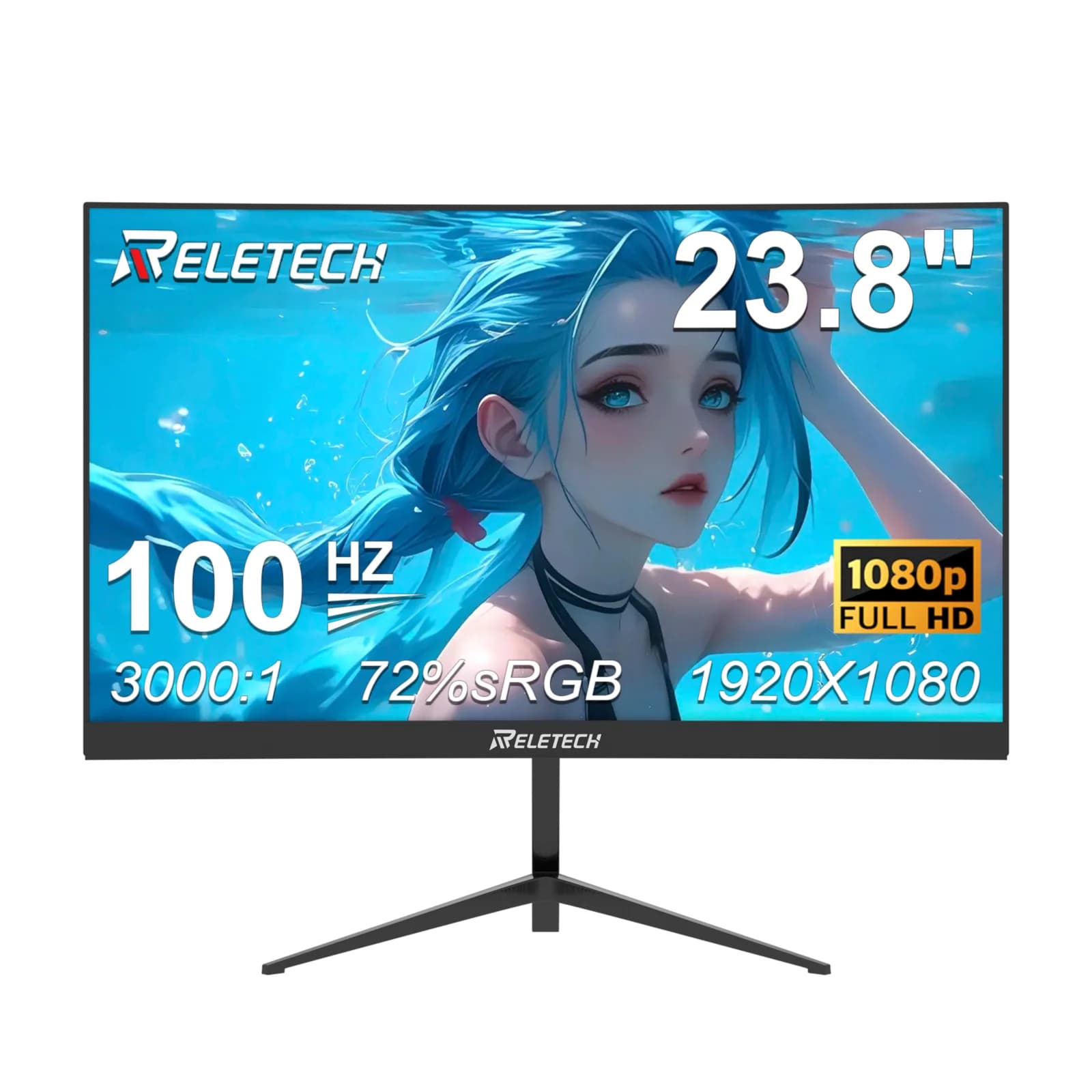
Surviving a drop: Flimsy plastic hinges will snap the second you shove your bag under an airplane seat. Metal frames and decent kickstands are non-negotiable. Even for stationary setups, build quality matters. The Reletech 23.8-Inch Curved Gaming Monitor feels solid on a desk and doesn't wobble every time I type.
-
Matching price to tasks: Don't buy a $500 screen to read PDFs. Match the price tag to your daily tasks. If you want high-end colors and deep blacks, you'll pay more for something like that Portable 14 Inch OLED Monitor, but it makes total sense if you watch a lot of movies on the road.
The monitors worth your money
After running these through the wringer, here are the screens that actually held up:
-
Affordable 16 Inch Portable Gaming Monitor for Laptop & Consoles
You can usually grab this for around $78. It hits 165Hz, which is shockingly fast for a travel screen. This is the one I'd pack for a hotel gaming setup. -
11.6 Inch Portable Monitor - Ideal Secondary Display
Tiny and basic. Sitting under $48, it makes sense if you just need a place to park Slack or Spotify while you work on your main laptop screen. -
Portable 14 Inch OLED Monitor for Gaming and Laptops
This one runs close to $197. The OLED panel ruins you for other screens. Blacks are totally dark, and the colors pop hard. Graphic designers and movie nerds should start here. -
Reletech 23.8-Inch Curved Gaming Monitor
A stationary option for about $74. The curve wraps around your field of view nicely. I like it for a budget home office where you still want to play PC games after work. -
XAITH UCKY 14-inch Portable Monitor - FHD IPS Display
Costs around $68 and solves the connectivity headache. The built-in stand and decent port selection mean you can plug in without hunting for a specific adapter.
What I'd buy again
Buying tech always involves some trade-offs. Figure out if you prioritize a razor-sharp image or a screen that won't weigh down your luggage. I tend to lean heavily toward OLED panels if I have the budget, just because the visual jump is so obvious compared to standard IPS screens.
Check current prices before you pull the trigger, as these numbers bounce around all week. Pick the features you actually care about, ignore the marketing fluff, and enjoy the extra screen space.
Discover