How to Set Up Your First Smart Lighting
Discover
We test so you don't have to
See our buying guides→How to Set Up Your First Smart Lighting
Getting into smart lighting is one of the simpler ways to start creating a connected home. I’ve been playing around with different smart lighting options, and I can tell you that setting up your first system isn’t as overwhelming as it sounds. With just a few easy steps and some cool tech, you can create a lighting experience that truly suits your style. Let me share how I my setup went and what you can do to make yours unique.
Why You Should Care
Smart lighting isn’t just about convenience — it can really change the vibe of your home. Picture this: you’re having a movie night and dim the lights with just a tap on your phone. Or you can have the lights flash in sync with your favorite tunes at a party, all controlled by your voice. The growth of smart lighting means there are tons of options out there to fit whatever atmosphere you want to create.
Step-by-Step Setup
1. Pick Your Smart Bulbs
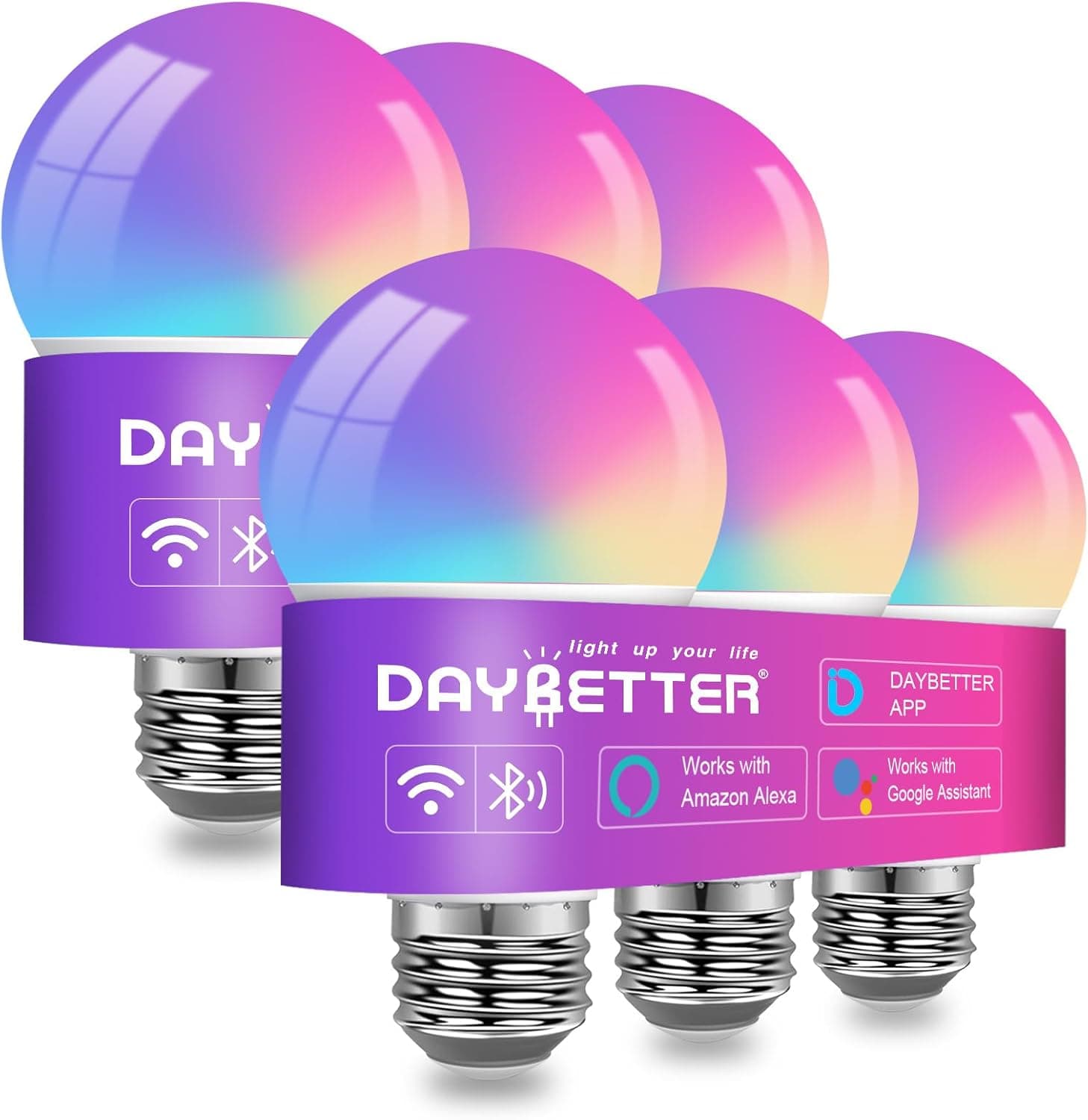
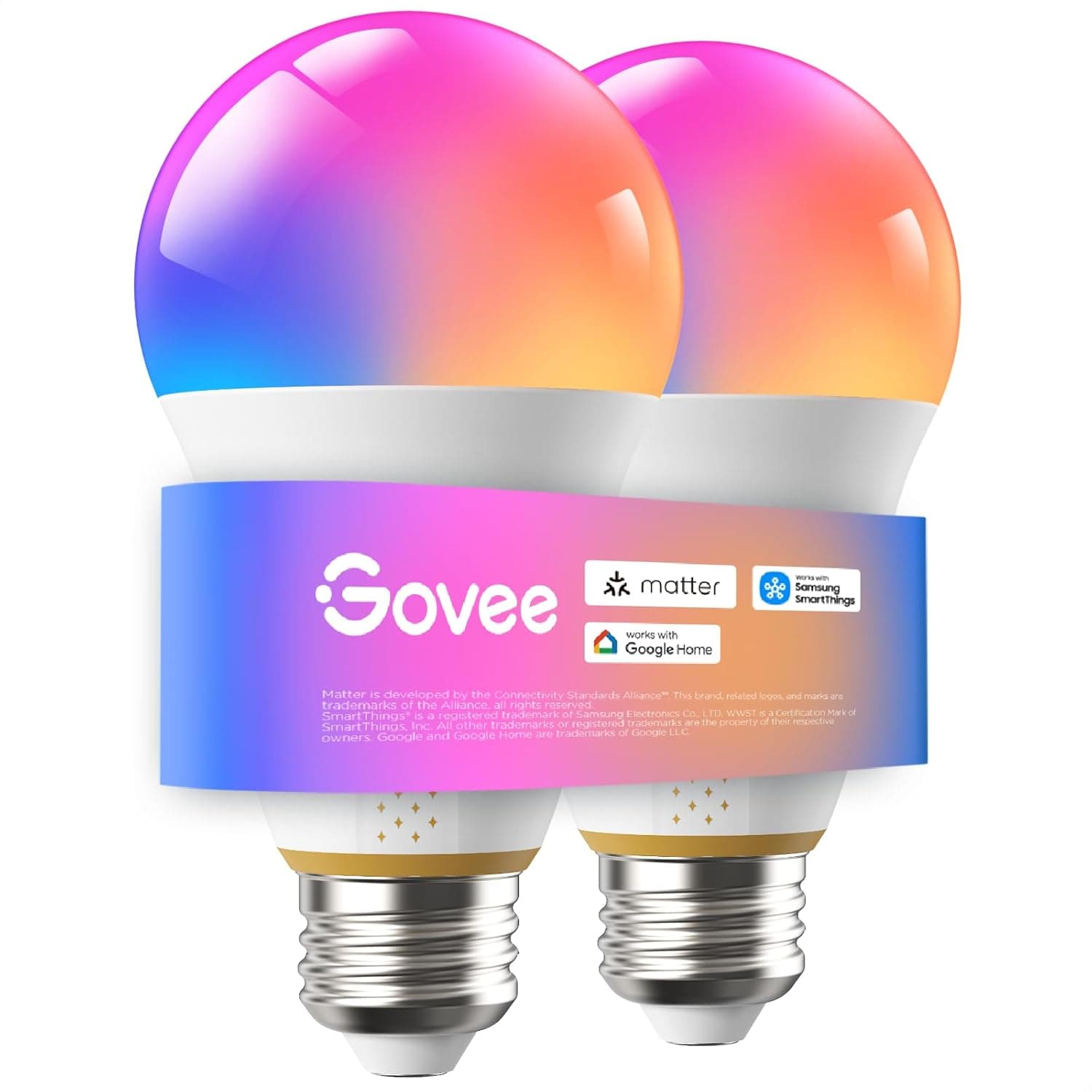
First off, you need to choose the right smart bulbs. I’m a fan of the Versatile Smart Light Bulbs with Voice Control & Music Sync by DAYBETTER. These bulbs have great features like color-changing abilities and work with both Alexa and Google Home. If you want some vibrant options, don’t skip the Govee Smart Light Bulbs — they’re super colorful and easy to add to your setup.
2. Consider a Smart Hub (Optional)
While most smart bulbs connect directly to Wi-Fi and work just fine on their own, a smart hub can make managing them easier. I found that using a hub, like the Philips Hue Hub, really helps keep everything organized, especially if you’ve got multiple devices. But if your bulbs are Wi-Fi enabled, you can definitely skip this step.
3. Download the Necessary Apps
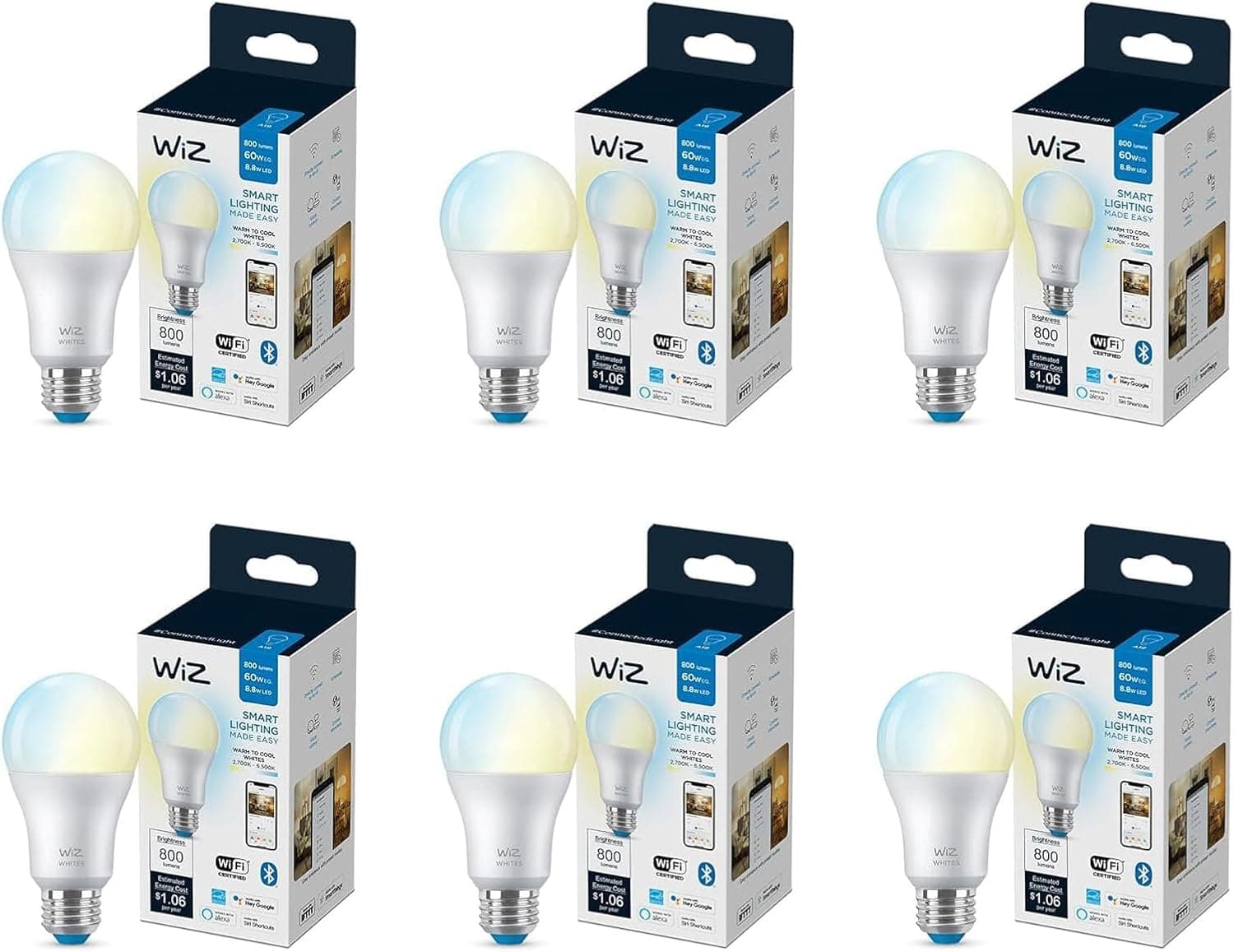
Next, grab the app for your smart bulbs. I liked the DAYBETTER app; it’s user-friendly and lets you adjust brightness, colors, and even set schedules without any fuss. If you choose something like the Smart LED Bulb Pack by WiZ Connected, don’t forget to download their app too.
4. Connect Your Smart Bulbs
With the apps installed, it’s connection time. Flip on your light fixtures, open the app, and follow the onscreen instructions to link your smart bulbs to your Wi-Fi. Make sure your phone’s on the same network — it’ll make everything smoother.
5. Set Up Voice Control (Optional)
Got a smart assistant like Amazon Alexa or Google Assistant? Great! You can enable voice control for your lights. Just go to the settings in your bulb app, find the voice integration option, and link your assistant. This little feature is a nice touch for quick control over your lights.
6. Create Scenes and Automations
One of the fun parts of smart lighting is setting up custom scenes. I set up a "Movie Night" mode where the lights dim and turn to a cozy warm color. Most apps offer various options for creating scenes for different situations. Plus, you can schedule your lights to turn on or off automatically — a great way to make it look like you’re home even when you’re not.
7. Test Everything Out
After you’ve set things up, it’s time to play around a bit. Adjust the brightness, change some colors, and check those automations you made. This is the perfect opportunity to enjoy all the cool features of your new system.
8. Expand Your Smart Lighting System
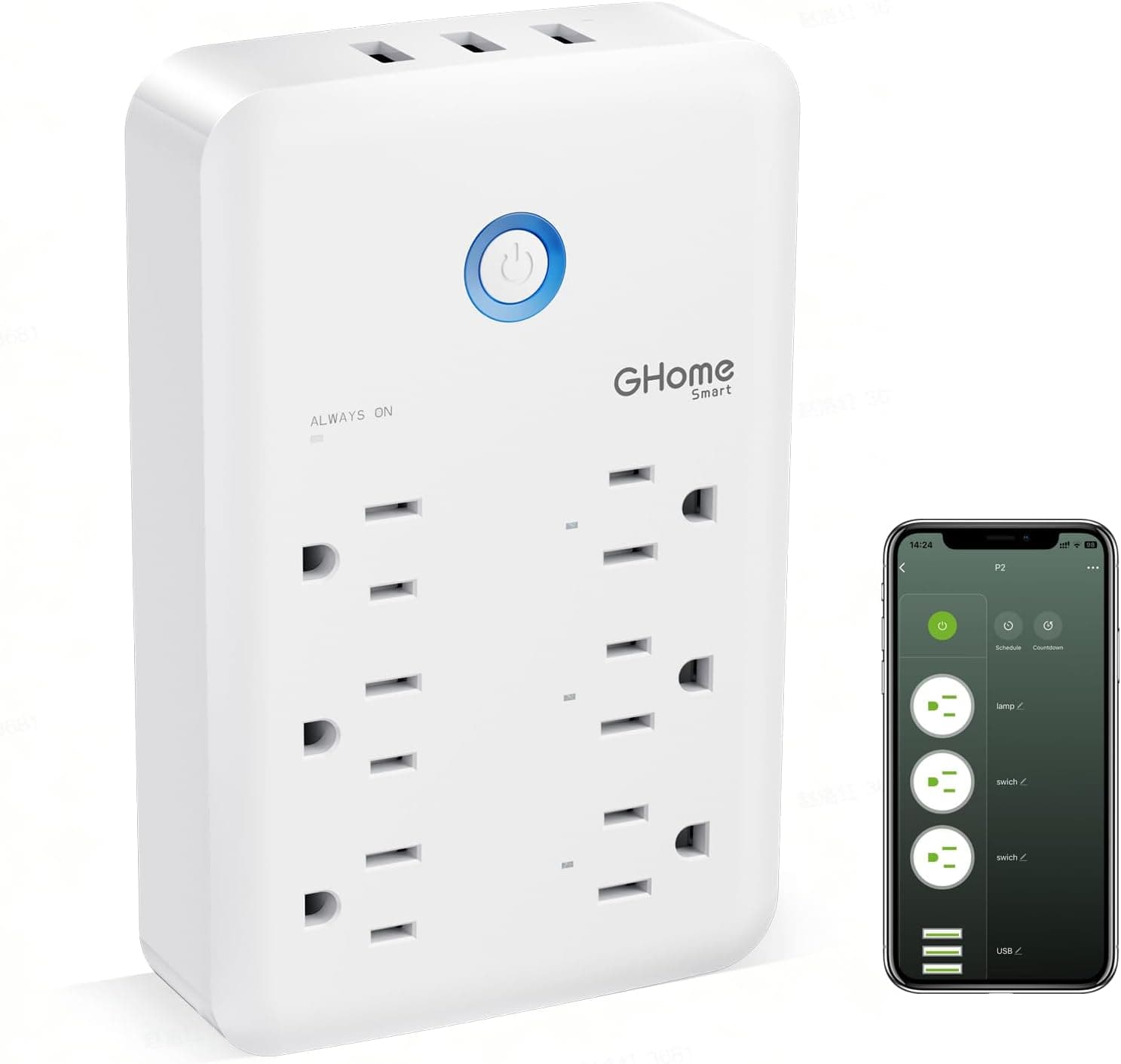
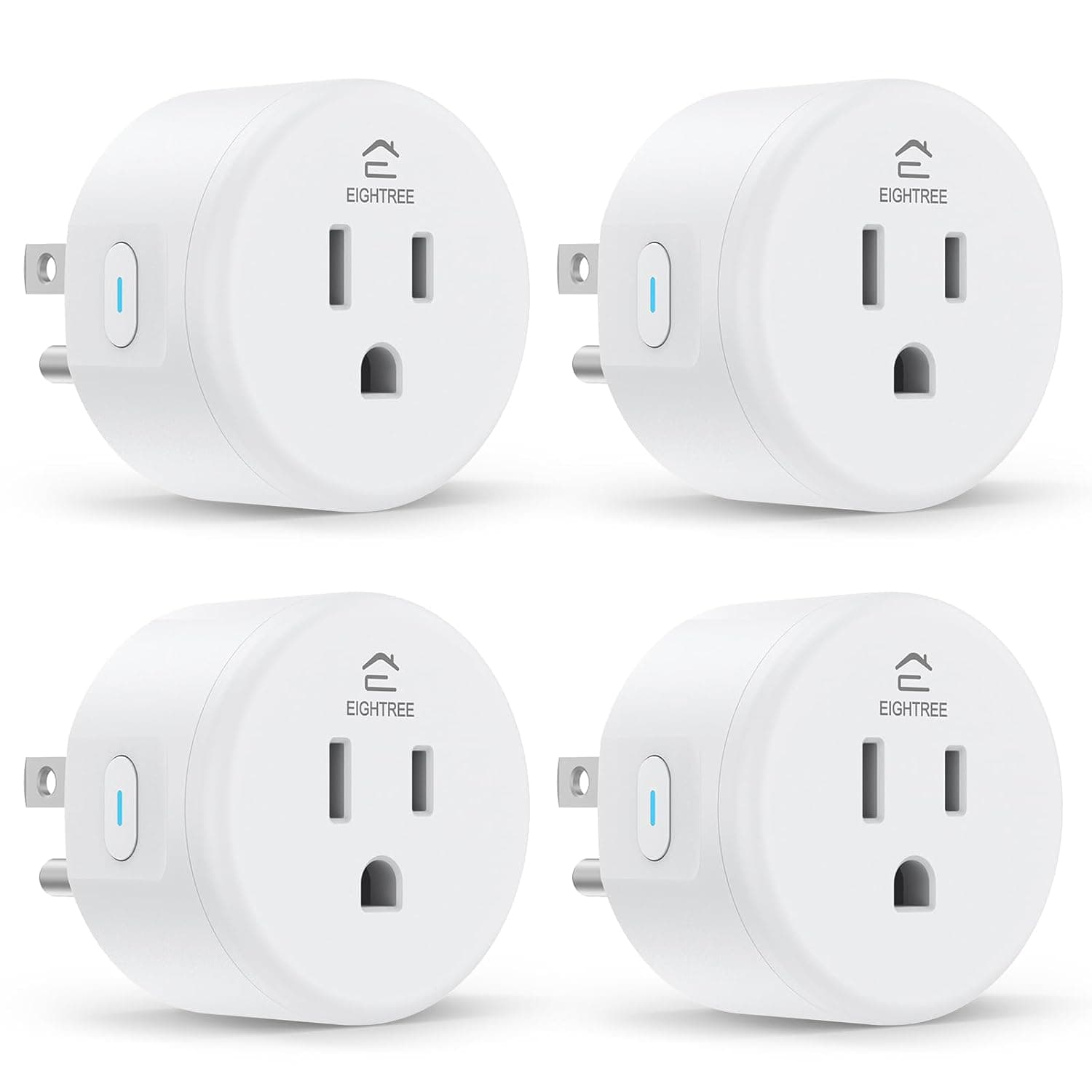
Think about adding more smart lighting as you go. I found that smart plugs, like the EIGHTREE Smart Plug, let me control things like floor lamps and other non-smart devices. If you need more outlet options, the GHome Smart Plug Outlet Extender is great because it has multiple USB ports too.
Top Picks to Consider
-
EIGHTREE Smart Plug: Voice-Controlled WiFi Outlet (4-Pack)
A handy set of plugs that lets you control traditional lamps and appliances with your voice or through the app. -
Versatile Smart Light Bulbs with Voice Control & Music Sync
These bulbs easily integrate into your smart home and even sync with music for a fun effect. -
Smart LED Bulb Pack: Wi-Fi Controlled and Motion Activated
A solid choice for those wanting motion-sensor features alongside familiar smart controls, ideal for hallways or outdoors. -
Govee Smart Light Bulbs: Vibrant Color & Smart Control
With an excellent selection of colors and Matter compatibility, they're perfect for anyone who loves options. -
GHome Smart Plug Outlet Extender with USB Ports
A versatile outlet extender that allows for voice control and adds functionality with USB ports.
When Smart Lighting Makes Sense
Setting up your first smart lighting system can totally shift how you experience your home. Follow these steps, and you’ll customize your lighting to not just work for you, but also set the mood for any occasion.
A quick guide as you think about your choices:
- Choosing Bulbs: Look at your current fixtures. Do you want to replace them (like with the DAYBETTER bulbs) or simply add to what you have?
- Voice Control: Consider whether having voice functionality is a priority for you.
- Expanding: Look at future additions that could round out your smart home, such as smart plugs.
Once you dive into smart lighting, you’ll probably wonder how you ever managed without it. Don’t wait — check the current prices on Amazon for the gear mentioned and start building your ideal lighting setup today!
Discover