How to Choose Electronics in 2026
Discover
We test so you don't have to
See our buying guides→I recently spent three weeks trying to buy a simple extra monitor for my cramped home office. The sheer volume of garbage on the market right now is staggering. Tech companies are throwing 4K labels and inflated refresh rates on everything, hoping we won't notice the terrible viewing angles or flimsy stands. After burning through too much cash and returning half a dozen duds, I figured out a system for filtering out the junk. Here is how I actually shop for tech this year without losing my mind.
The landscape is mostly noise
Specs have gotten incredibly cheap. Every random brand can slap together a panel with high refresh rates and USB-C ports. That makes finding a genuinely good piece of gear surprisingly difficult. You can't just trust a spec sheet anymore. I bought a portable display last month that claimed HDR support, but the colors looked like they were washed through a dirty grey filter. You have to know exactly what you actually need, or you will end up paying a premium for features that barely function.
My actual buying checklist
- Define the main job: Be brutally honest about what this device will do. I bought a high-end gaming monitor for work once, and the weird subpixel layout gave me a migraine while reading text.
- Draw a hard budget: Prices swing wildly. Pick a number before opening a single shopping tab. Otherwise, you end up rationalizing a massive purchase when a cheap screen would have worked.
- Ignore irrelevant numbers: A 240Hz refresh rate means absolutely nothing if you just type spreadsheets. Focus on panel type and brightness for daily tasks.
- Factor in the footprint: Think about where this thing lives. If you work from coffee shops, a heavy metal chassis gets old fast. Go for slim plastic that slips into a backpack.
- Hunt down negative reviews: I skip the five-star ratings entirely. Reading the three-star and one-star comments on forums tells you exactly what breaks after three months.
- See it in person: I still walk into big box stores just to look at screen glare. It saves a lot of return shipping hassle.
- Check the return policy: A long warranty is fine, but a painless 30-day return window is better. You need to know if you hate the device within the first week.
- Stop overpaying for future-proofing: USB-C is great. Don't spend extra for ports you might use in five years. Buy for the laptop you own right now.
- Track the price history: Use browser extensions to check if that massive seasonal sale is just the normal retail price.
- Ask the right nerds: Don't ask a general audience. Find a subreddit dedicated to your exact niche and see what those users complain about.
What I'd actually buy right now
-
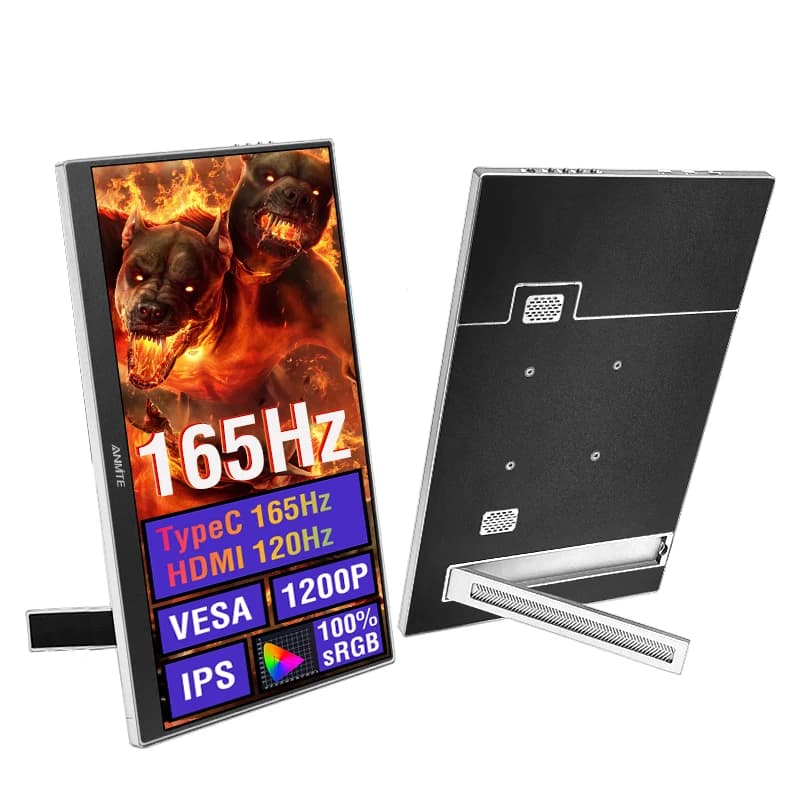
Affordable 16 Inch Portable Gaming Monitor for Laptop & Consoles by AliExpress — $78.22
I keep one of these stashed in my travel bag. The high refresh rate actually holds up well when I plug in my console at a hotel—even if the included cables are awkwardly short. -
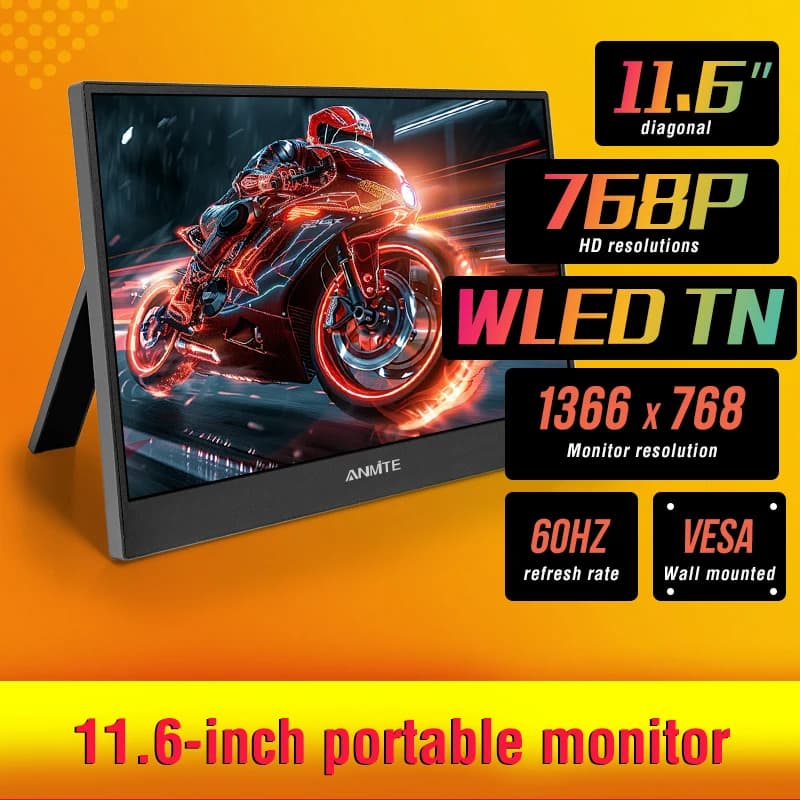
11.6 Inch Portable Monitor - Ideal Secondary Display by AliExpress — $47.81
This is the ultimate burner screen. I use it purely to keep my Slack window open while I work on my main monitor. The resolution is low, but for under fifty bucks, it gets the job done. -
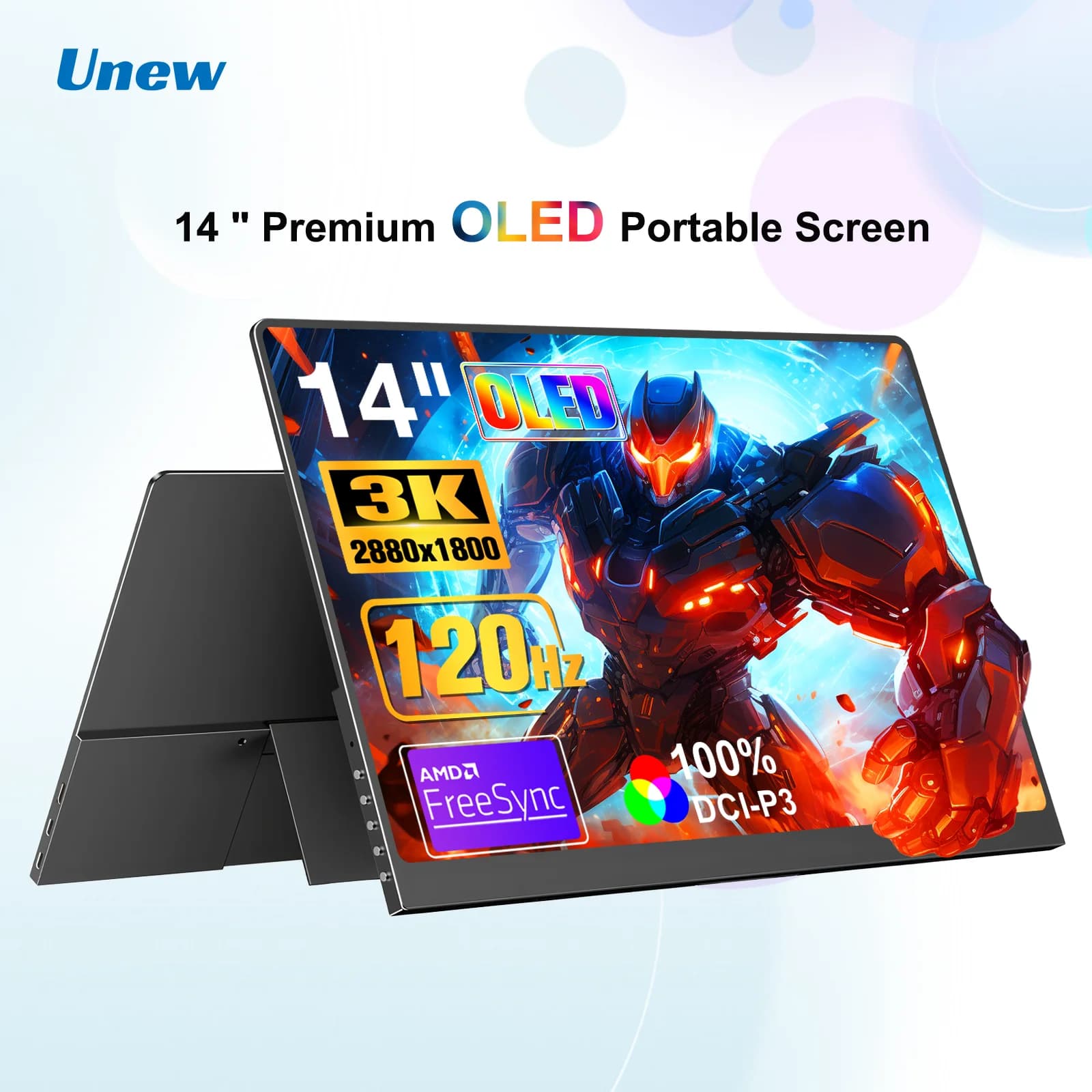
Portable 14 Inch OLED Monitor for Gaming and Laptops by AliExpress — $196.93
OLED panels spoil you. I bought this to watch movies on flights, and the pure black levels are incredible. It does chew through my laptop battery a bit faster than a standard IPS panel. -
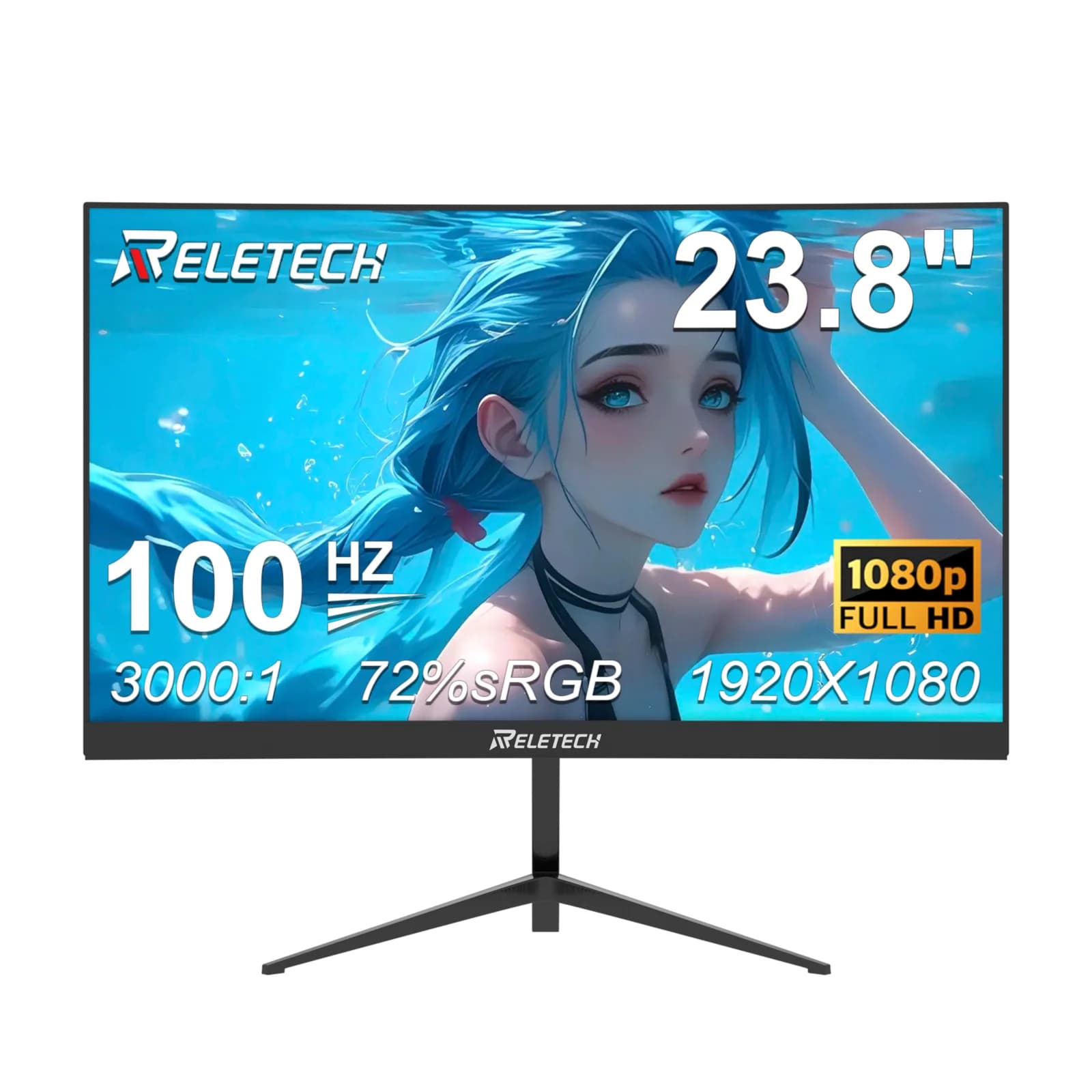
Reletech 23.8-Inch Curved Gaming Monitor by AliExpress — $74.08
A cheap curved monitor that actually works well for a basic desk setup. I set this up for a friend's budget PC build. The viewing angles wash out if you sit too far to the side, so keep it dead center. -
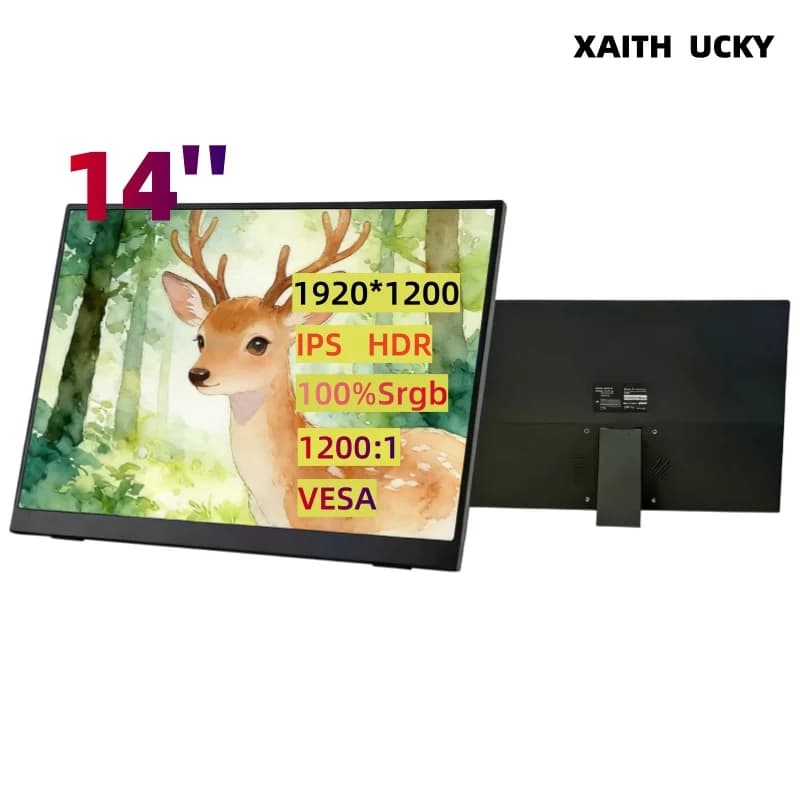
XAITH UCKY 14-inch Portable Monitor - FHD IPS Display by AliExpress — $68.13
The 16:10 aspect ratio makes a huge difference for reading documents. I use this vertically next to my main screen. The built-in stand takes up more desk depth than I'd like, but it stays upright.
Skip the analysis paralysis
Stop overthinking the minor spec differences. Pick a screen that fits your desk, matches your budget, and has a decent return policy. I usually grab a tape measure and physically block out where the monitor will sit before I hit checkout.
The market moves fast. Before making a decision, always check the current price on Amazon or visit AliExpress for the latest models. Get the gear that solves your immediate problem, plug it in, and get back to work.
Discover