Common Smartwatch Problems and How to Fix Them
Discover
We test so you don't have to
See our buying guides→Common Smartwatch Problems and How to Fix Them
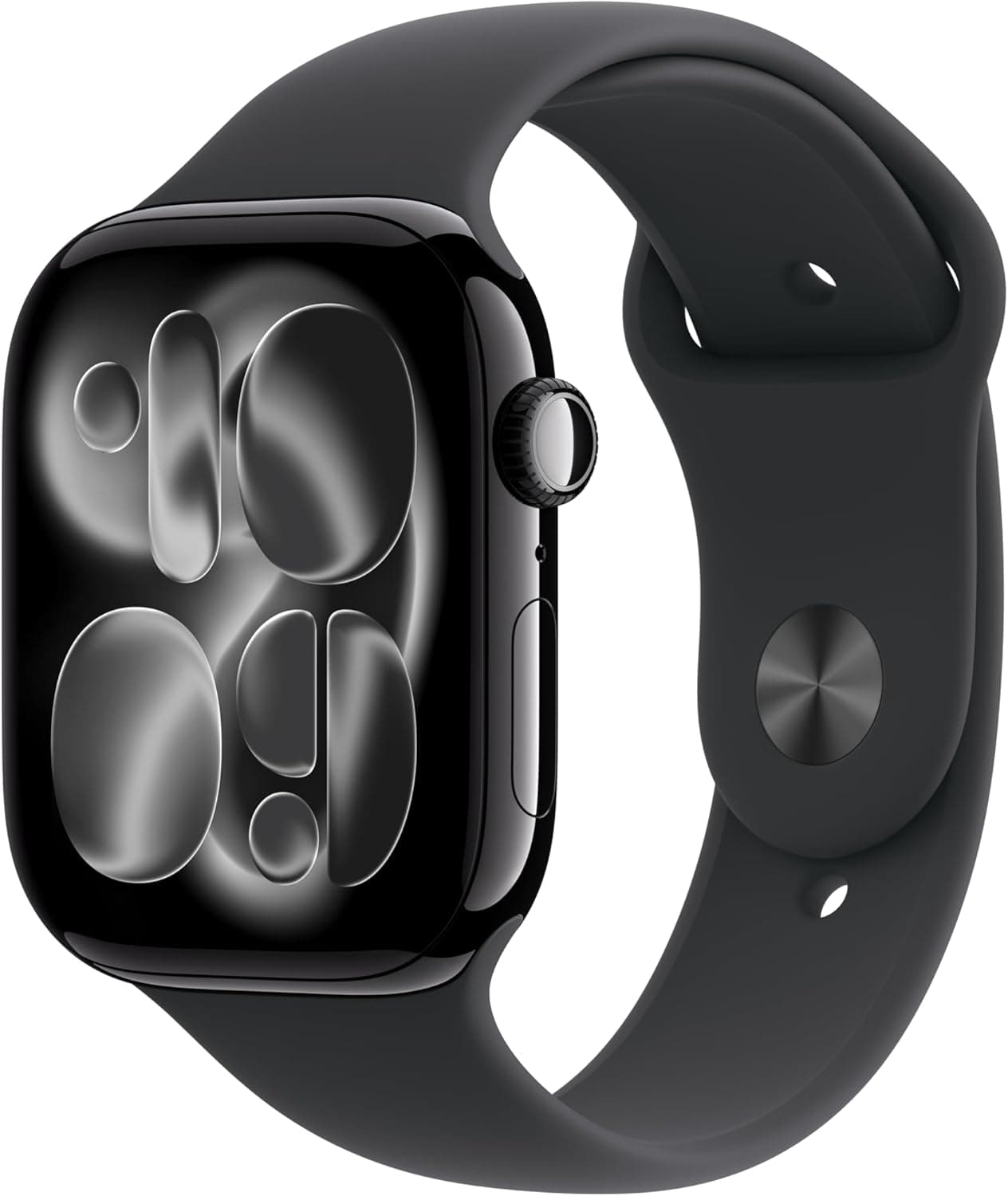
Smartwatches have become essential tools for many of us, serving as fitness trackers, communication hubs, and even style statements. However, despite their popularity, they come with their fair share of headaches. I’ve owned several smartwatches, including the Apple Watch Series 11: Your Ultimate Fitness Companion, and I’ve experienced a bunch of quirks and hiccups. Whether you're just getting started or have had your smartwatch for a while, here are some common issues and how to tackle them head-on.
Battery Drain Issues
One of the most persistent problems I’ve faced with smartwatches is rapid battery drainage. It can feel like you just charged your device, only to find it on low power just hours later.
Here’s the actual fix: First, check your display settings. A higher brightness level or an always-on display can consume more juice. Lower the brightness or set it to turn off when you're not looking at it. Secondly, turn off unnecessary notifications. Each ping from your apps drains battery, so limit what you really need.
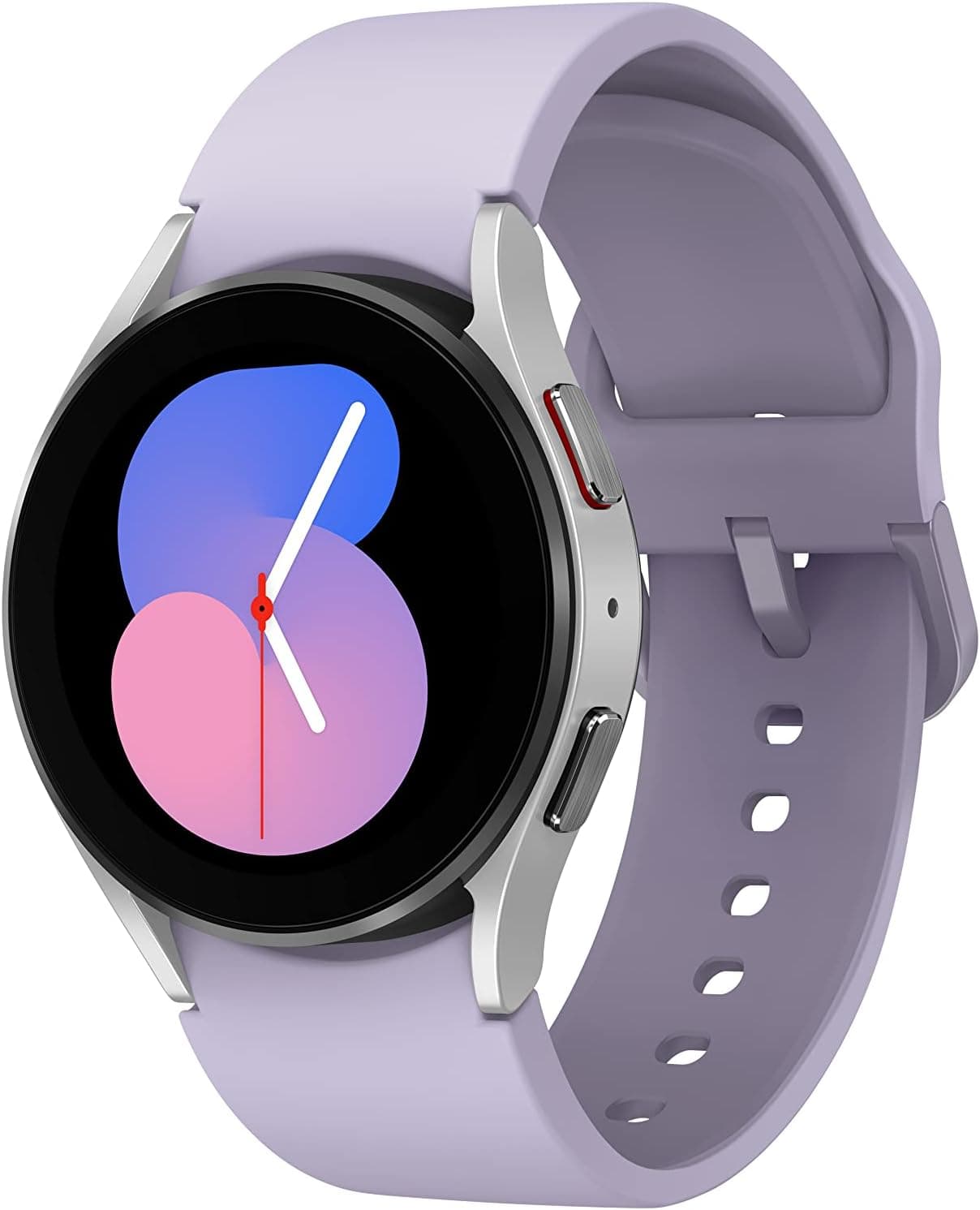
If you’re frequently hitting the gym, ensure that your workout tracking mode isn’t left on, as this can dramatically reduce battery life. And for those with the SAMSUNG Galaxy Watch 5 40mm Bluetooth Smartwatch, the battery might last longer if you keep the GPS off during indoor workouts.
Bluetooth Connectivity Problems
Another issue that can grind your gears is inconsistent Bluetooth connectivity. You might find your watch disconnecting from your phone at the most inconvenient times.
Here’s what I've tried: Start by toggling Bluetooth off and back on both your smartwatch and phone. Sometimes that simple step works wonders. If that doesn’t fix it, try un-pairing and re-pairing your devices.
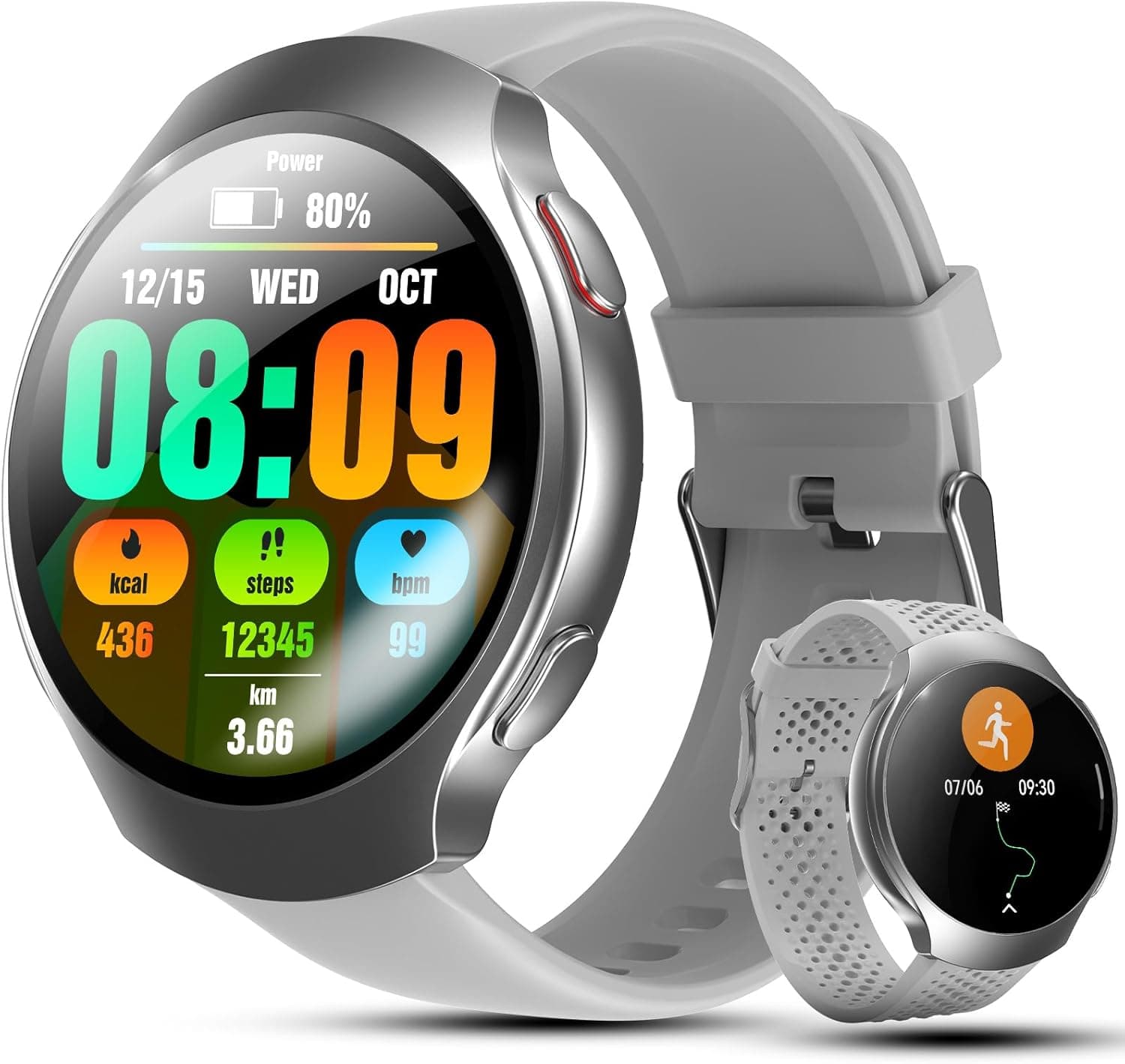
If you’re still having trouble, push your devices closer together. Walls and furnishings can interfere with the Bluetooth signal, so giving them a little proximity can help. I’ve found that my SOUYIE 2026 AI Smart Watch needed direct line-of-sight with my phone for optimal performance.
Software Glitches
So, you’re scrolling through your apps and suddenly, nothing responds. Sound familiar? Software glitches can ruin the smartwatch experience.
Here's the fix I recommend: First, give your watch a hard reset. Most smartwatches allow this through a simple button combination. Check your device's manual for specifics. If that doesn’t work, ensure that both your smartwatch and its companion app are updated to the latest versions. Sometimes, bugs in earlier versions can be the culprit.
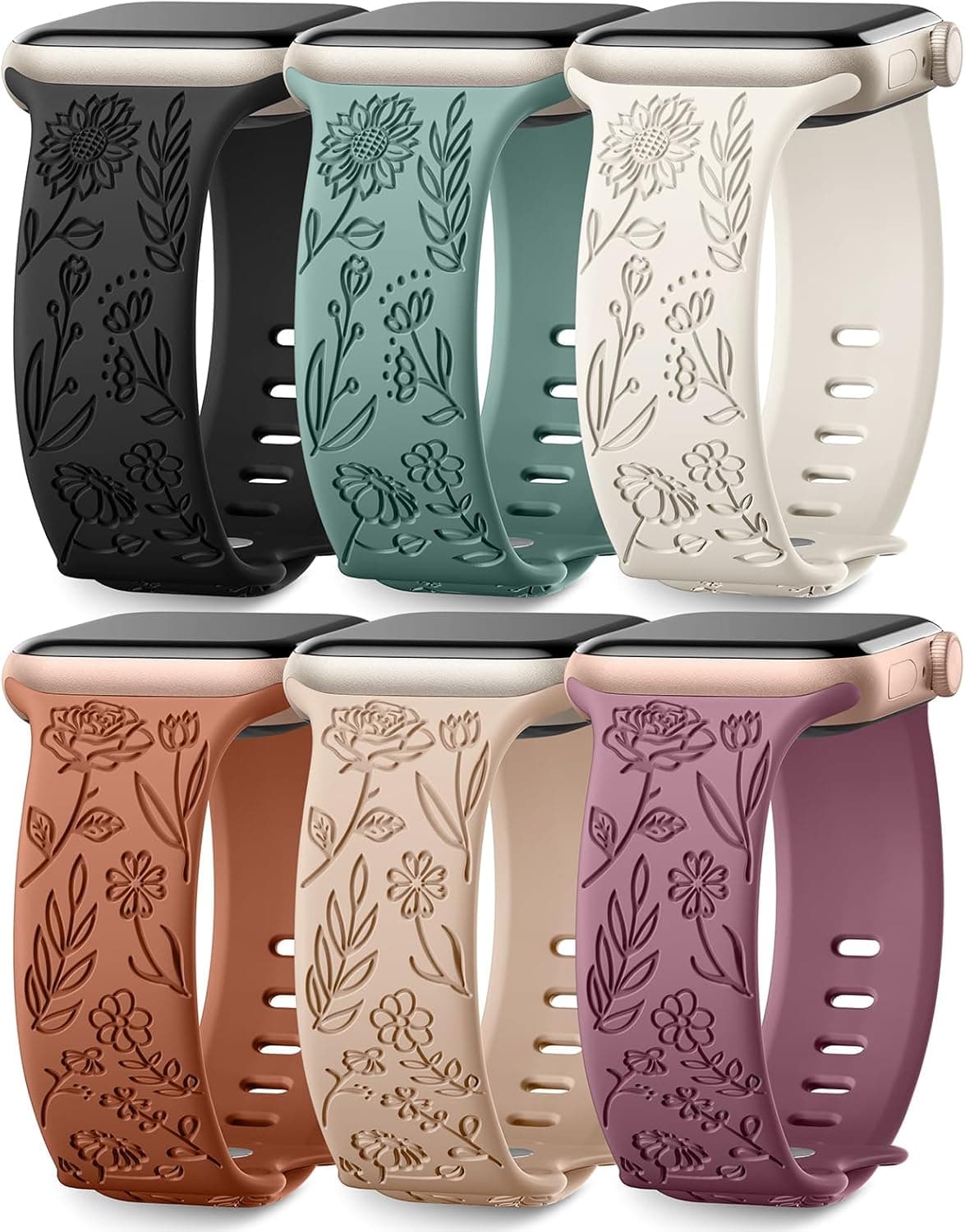
I’ve also noticed that clearing the cache on the companion app often helps with performance lags. Navigating through my notifications on the Stylish SNBLK Floral Bands for Apple Watch - 6 Pack smoothened out significantly after doing this.
Difficulties with App Availability
Finding the right apps can be a hassle. Some might not be available on your smartwatch’s platform or might not function as smoothly as expected.
What I’ve learned: Always check the compatibility list before you invest time in downloading apps. Apps built specifically for your watch OS usually provide the best experience. If a particular app is giving you trouble, look for alternatives that are well-rated on the relevant app store for your smartwatch.
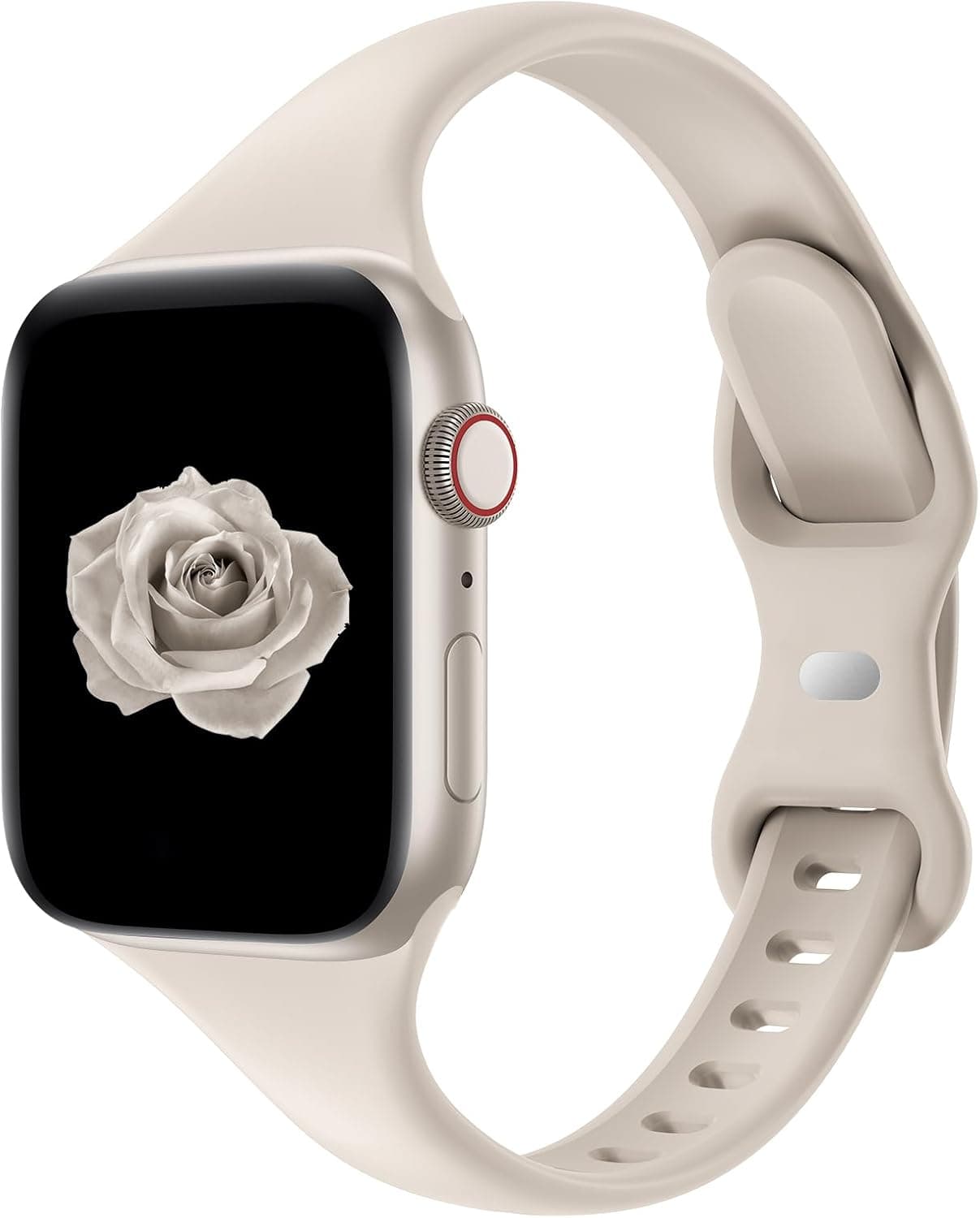
Sometimes, turning on and off the Wi-Fi or LTE on your watch can enhance the app loading speed, too. For instance, using my Slim Silicone Replacement Strap for Apple Watch - Starlight was smoother after a reboot, making app navigation a lot easier.
Syncing Problems with Health Data
For fitness enthusiasts, syncing health data is a paramount feature. If your watch isn't syncing, it’s a major blow to your health tracking efforts.
Here's a straightforward fix: Make sure you’re connected to Wi-Fi and that you’ve got enough storage space on your smartwatch. Sometimes, data syncing can fail due to lack of space. Additionally, try forcing a sync through the app settings.
If that still doesn't yield results, restarting both your phone and smartwatch can often resolve stubborn syncing issues. I’ve had my health metrics from my Apple Watch Series 11 sync right up after doing this.
Skip the Upselling Traps
While it might be tempting to buy accessories and extra features, not all of them are useful. Be wary of:
- Extended warranties: Most smartwatches now come with strong manufacturer warranties; an extra one might not be necessary.
- Fancier straps: Decorative bands are nice, but unless they add functionality, like the Stylish SNBLK Floral Bands, they probably won't change your experience much.
- High-priced screen protectors: While protecting your screen is important, some overpriced options don’t offer significant benefits over standard protectors.
- Extra charging stands: Unless you travel frequently, you don’t really need multiple charging options scattered around your living space.
I’ve dished out money on these types of items in the past and found little improvement in my daily usage. Save your budget for something that genuinely enhances your experience.
Alex, a colleague of mine who just got the SOUYIE 2026 AI Smart Watch after his old tracker died, tackled syncing issues right away by adjusting his app settings. He was pleased with how much easier it became to monitor his fitness stats. Investing time in small adjustments can lead to a much-improved smartwatch experience.
Check for the latest model on Amazon and see if any of these solutions work for you. You might find that your smartwatch becomes much more reliable with just a few tweaks.
Discover