Common Smart Lighting Problems and How to Fix Them
Discover
We test so you don't have to
See our buying guides→Common Smart Lighting Problems and How to Fix Them
Smart lighting can really improve your home environment. But it can also come with its fair share of headaches. From connectivity issues to inexplicable color changes, you might find yourself cursing the day you decided to invest in smart bulbs. I’ve been through it all, so I’m sharing some common problems and the fixes that actually worked for me.
Connectivity Woes
One of the first things you’ll likely run into is struggling to connect your smart bulbs to Wi-Fi. This usually happens because of signal interference or poor placement of the light hub.
What I Tried:
Ensure your router is in a central location, ideally at eye level and not behind any walls. If you’re still having problems, try resetting the bulbs and your router. It sounds tedious, but disconnecting power to both for a minute usually does the trick. After that, follow the manufacturer’s app instructions—often, you can reconnect the bulbs by holding down the power button for a few seconds.
Tools I’ve Used:
-
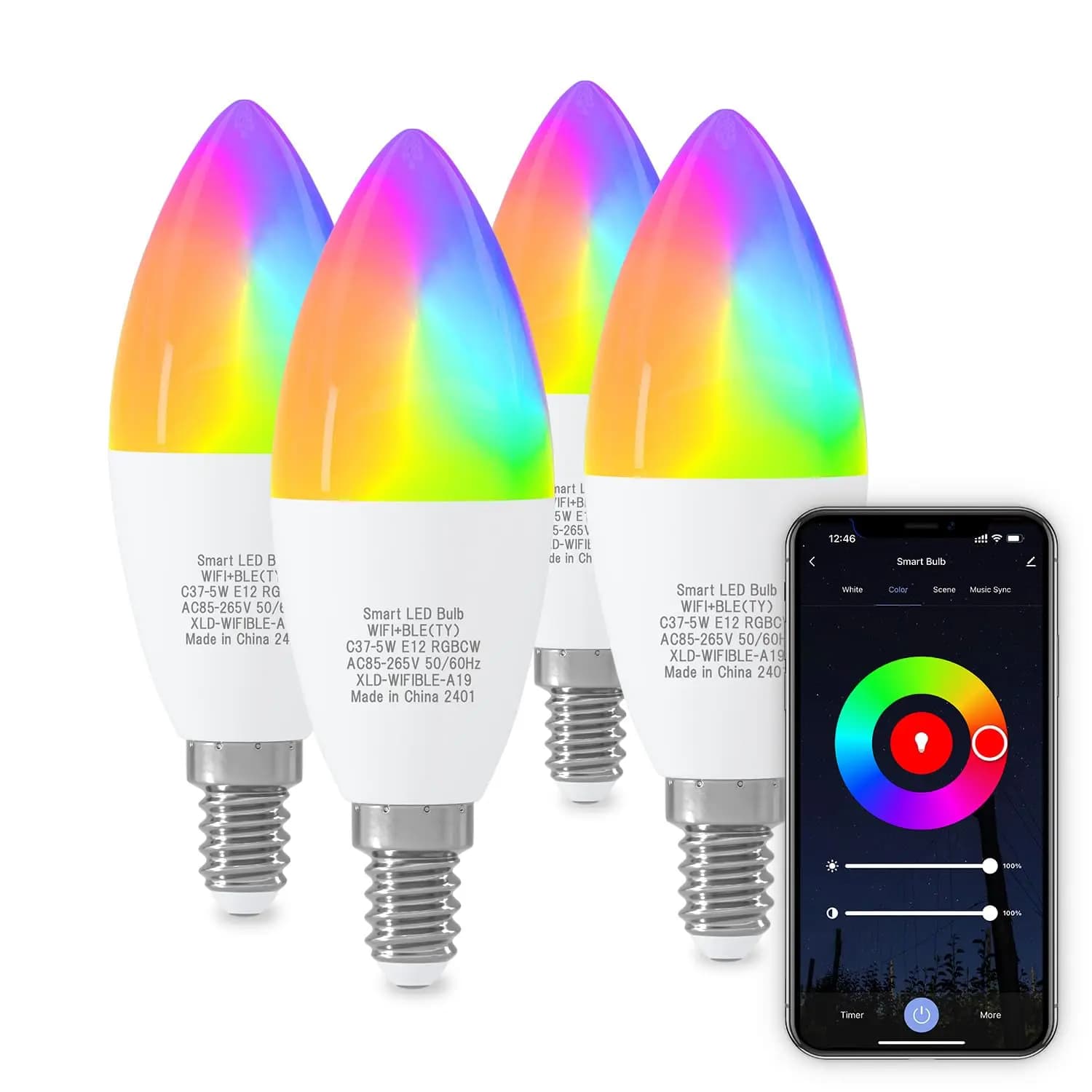
For sheer versatility, the Smart Light Bulbs WiFi & Bluetooth E12 4-Pack — they're priced at $30.47 and offer good color variety. Perfect for my living room where I wanted to set the mood with different colors.
-
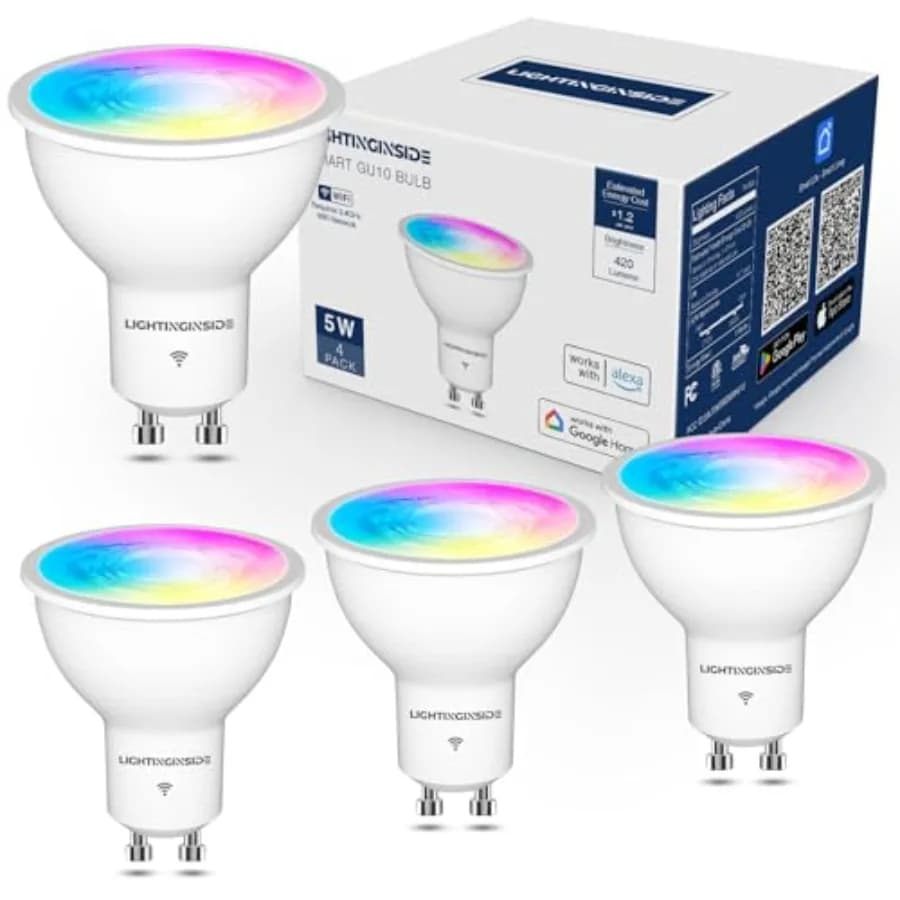
If you’re into smart features but want a bit more control, check out the GU10 Smart Light Bulbs 5W Bluetooth for $35.22. They integrate seamlessly with my home automation system.
Inconsistent Behavior
Another frustration is that bulbs can sometimes behave erratically. One minute they’re set to “warm white,” and the next, they’ve switched to pink without warning.
What I Tried:
After doing some digging, I discovered that a simple firmware update through the app usually resolves these quirks. Make it a habit to check for updates regularly, especially after you've bought a new product.
Recommended Products:
- When it comes to reliable and versatile bulbs, the Voice Control RGBCW Smart GU10 Light Bulb at $8.32 is an affordable option. It offers great RGB features and has worked fantastically in my kitchen, where I need color changes for different cooking vibes.
Unable to Sync with Smart Home Systems
If you find your smart bulbs aren’t syncing with Google Home or Alexa, you’re not alone. It’s a common problem and usually relates to account linking or settings.
What I Tried:
First, verify that all devices are registered under the same account and check permissions in the respective apps. Sometimes, unlinking and relinking the device will do the trick.
Products to Consider:
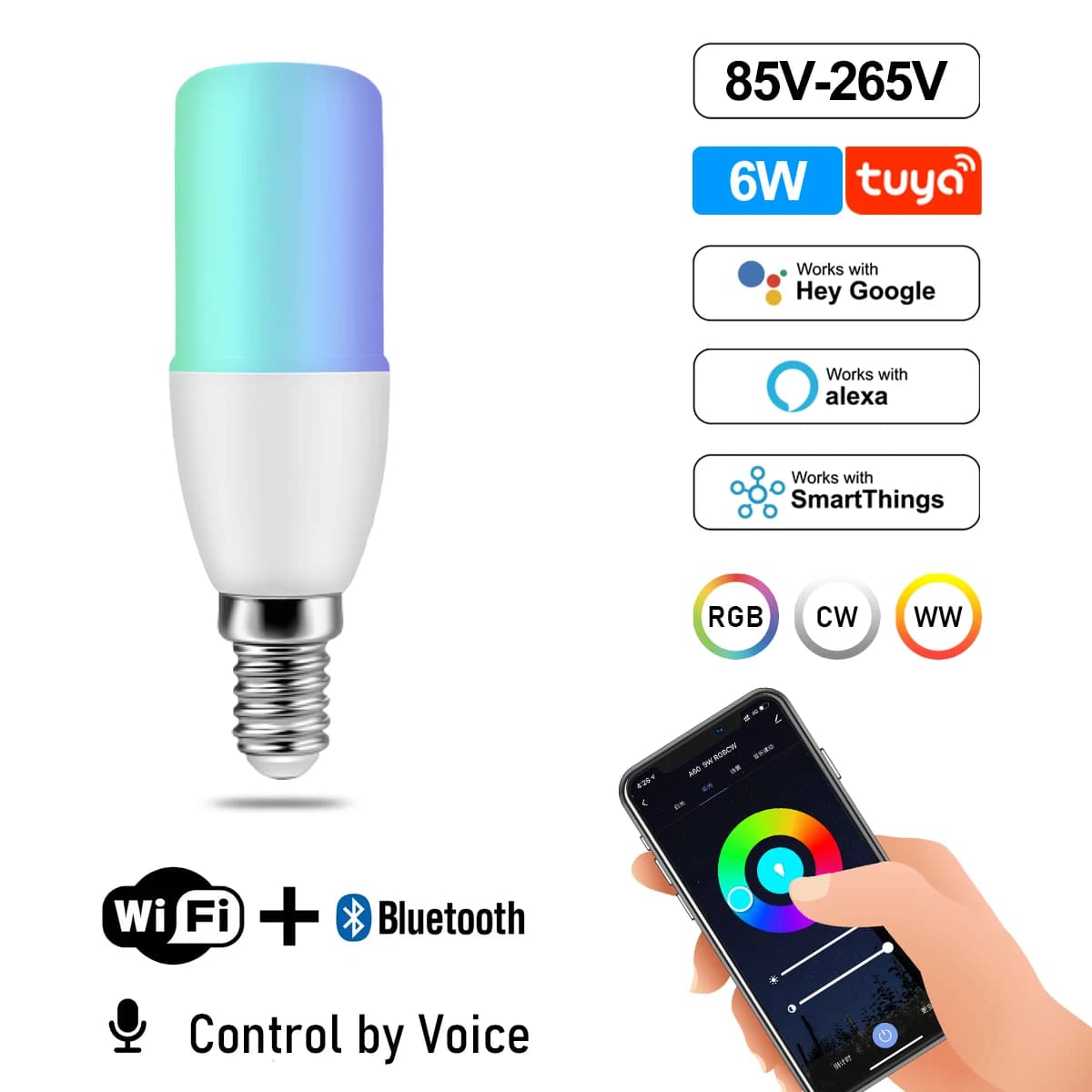
- For individuals looking for multifunctional smart bulbs, the Tuya RGB LED Candle Bulb Smart Lamps works well for my dining setup. Priced at just $3.14, it blends aesthetics and functionality without breaking the bank.
Useless Accessories
Sometimes, you might find yourself tempted by accessories—like remote controls or hub devices—that promise to make everything easier. Unfortunately, I found many of these to be more trouble than they’re worth.
What I'd Skip:
-
Smart Remotes: These are often unnecessarily complex. Most smart bulbs connect well with apps on your smartphone.
-
Fancy Switches: Unless you’re keen on rewiring, smart switches might just complicate things, given that they can interfere with the bulbs you’ve already set up.
-
Extra Hub Devices: It’s tempting to buy extra hubs for extending range, but often, decent placement of a single hub will do the job just fine.
The Frustration Guy
After years of tinkering and troubleshooting, I’ve learned what works and what doesn’t. It boils down to understanding compatibility, placement, and software updates. For anyone really eager to jump into smart lighting, I’d recommend starting with user-friendly products to avoid getting buried in frustration.
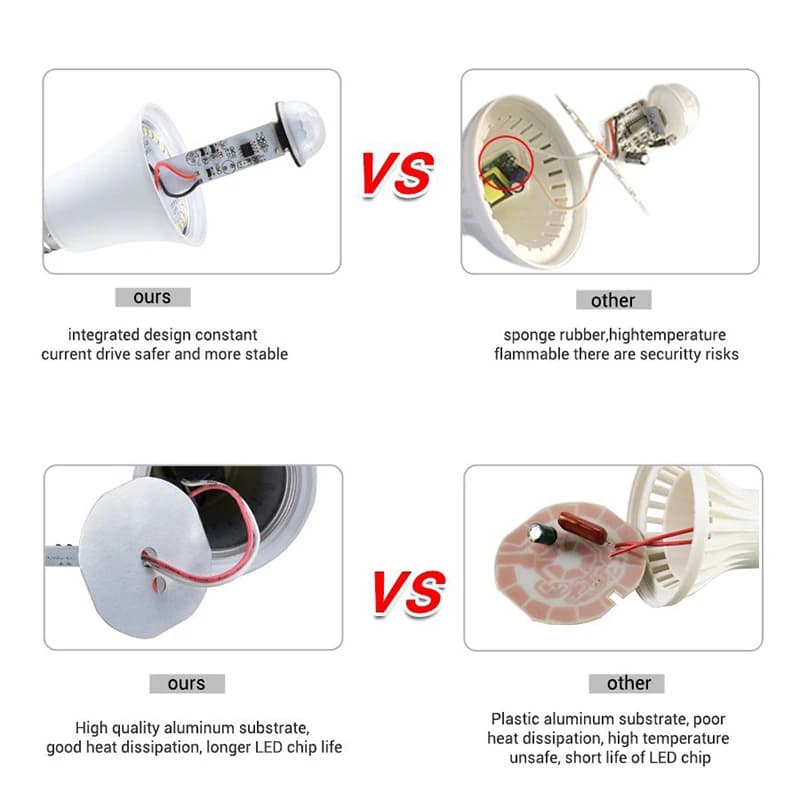
You know who could benefit from this advice? A friend of mine who just bought a house and was set to fill it with smart gadgets. I told him to start small—get a good set of bulbs like my initial picks, such as the PIR Motion Sensor LED Light Bulb 18W E27 Smart Bulb priced at $3.08 and experiment with automation before diving into more complex setups.
Smart lighting can be a fantastic addition if you know how to handle the common hiccups. So take your time, explore the options, and don’t let a little tech trouble hold you back!
Discover